· 8 min read
How Subcontractor Crews Can Report Hazards Without a Login
By Michael Sidler, Founder, RISE
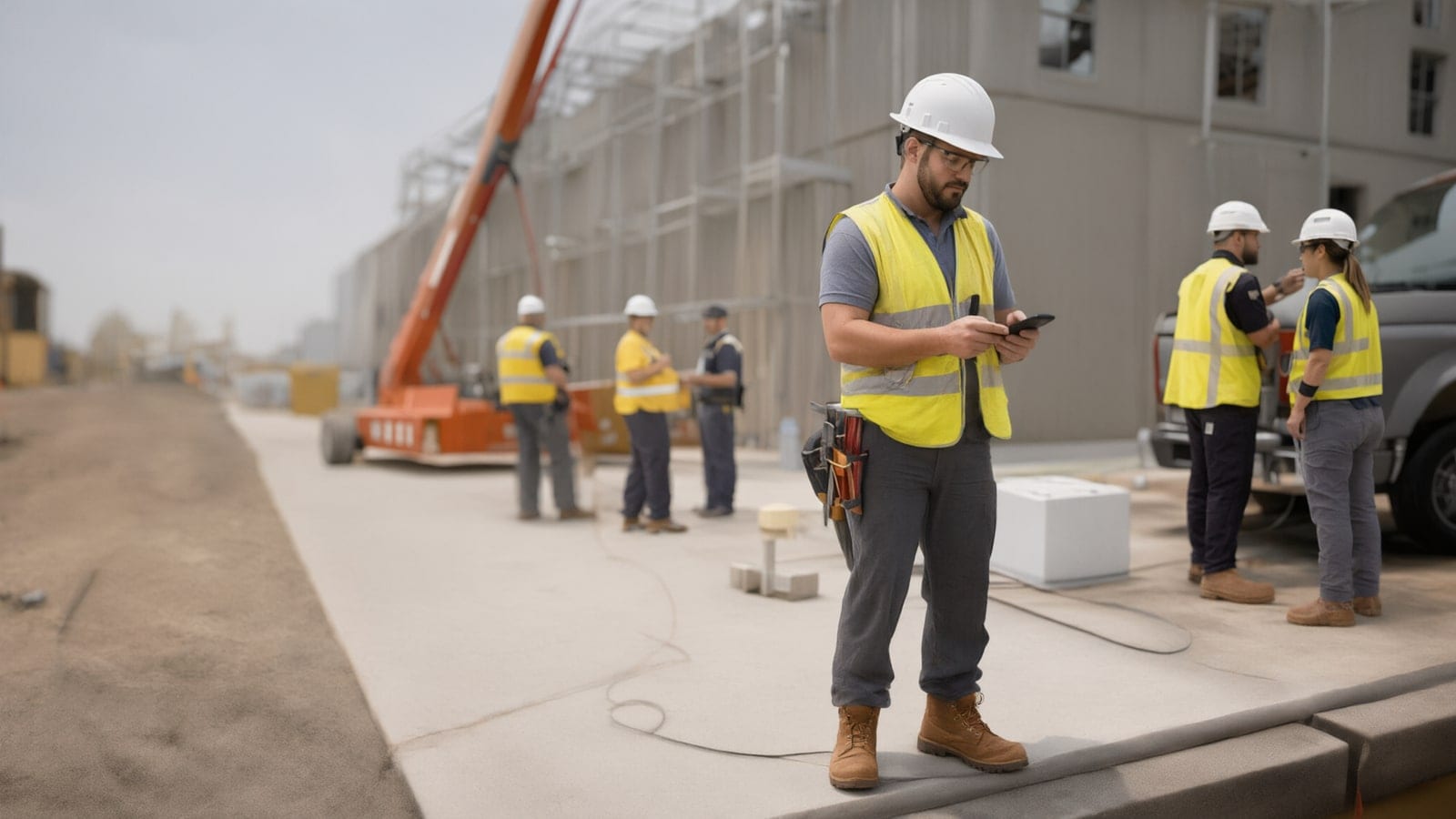
Put a QR code on the gate, the trailer door and the hoist landing that opens a short hazard and near miss form in any phone's browser. The worker fills it in, adds a photo, and decides for themselves whether to put a name on it. All it takes is a phone with a camera. Logins can belong to the handful of people who act on reports, not the hundred who make them.
The harder part is what happens after the worker taps submit: the report has to land with someone on your side who answers it, and the crew has to see the answer.
Why does a login stop subcontractor reporting?
A drywall crew on your job for three weeks will never activate an account. Neither will the pump operator who is there for a day, or the second-year apprentice whose foreman got the welcome email and deleted it. Multi-employer sites churn people faster than any administrator can add and remove them, and every account you create is one more to shut off when the sub demobilizes.
Then there is the moment itself. Someone walks past a floor opening with the cover kicked half off. They have maybe forty seconds of willingness before the next pick comes in. If the path to reporting starts at a password reset, the forty seconds are gone and the cover stays where it is.
Reporting has to cost less effort than walking past. That is the test for every choice below, and it is why mobile reporting surfaces hazards that a form in the trailer never sees.
What should a two-minute report ask?
Ask what you need to act, and stop there. Which job, where on the site, what they saw, a photo, and whether anyone got hurt. A dropdown of your active jobs and areas saves typing and gives you clean data when you look for trends later.
OSHA's near-miss form template gets one thing exactly right: the name line reads "Name (optional)." It then asks the worker to "submit this form to the main office or your supervisor," which on a job site means a drive across town or a conversation with the person who may have created the problem. A form that lives on a phone fixes the first. Routing fixes the second.
Keep the words plain. Plenty of your crews read English as a second language, so short questions and a photo field carry more than a big paragraph box. When a worker is more comfortable explaining in another language, a bilingual foreman can file the report with them, standing right there. If you want a starting layout, our free hazard report form scores severity against probability and prints as a finished report. It makes a good draft to argue over with your supers before you build your own.
Should subcontractor reports be anonymous?
Let the worker choose. A laborer reporting their own employer's shortcut to the general contractor is taking a real risk: the sub signs the paycheck, not you. Some will put their name on a report gladly. Others will stay quiet unless they can stay untraceable, and a nameless report about an unguarded edge still gets the edge guarded.
OSHA's policy template for near misses says the reporting system "will not result in disciplinary action of the reporter and, if desired by the person reporting, may be anonymous." That is a promise worth writing into your subcontract safety requirements and repeating at every orientation. The same template lists the exceptions, such as willful breaches, gross negligence and malicious reports, so the promise reads as fair instead of unlimited.
Aviation got here first. Airline voluntary reporting programs run on the same bargain: tell us about the close call you could have kept to yourself, and it won't be used to punish you, short of deliberate or reckless conduct. Pilots and mechanics took years to trust it, and they trusted it because the promise was kept in public, case after case. Your site works the same way. One worker who reports and then gets walked off the job undoes six months of posters.
On a multi-employer site the bargain has a second half. A sub whose crew reports its own near misses should not lose points on the next bid for it. If the subs who report most look worst on your scorecard, you are paying them to go quiet. Read a steady stream of reports as a good sign, and judge subs on how fast they fix what gets reported.
Anonymous reports carry one cost: there is nobody to call back. Ask for enough detail up front, a location and a photo, that you rarely need to.
Where does a report go after someone files it?
To a named person on your side, the same day. Before you print a single QR code, decide who reviews reports for each job, usually the superintendent with the safety manager copied. A report that drops into a shared inbox nobody owns is a suggestion box with better graphics.
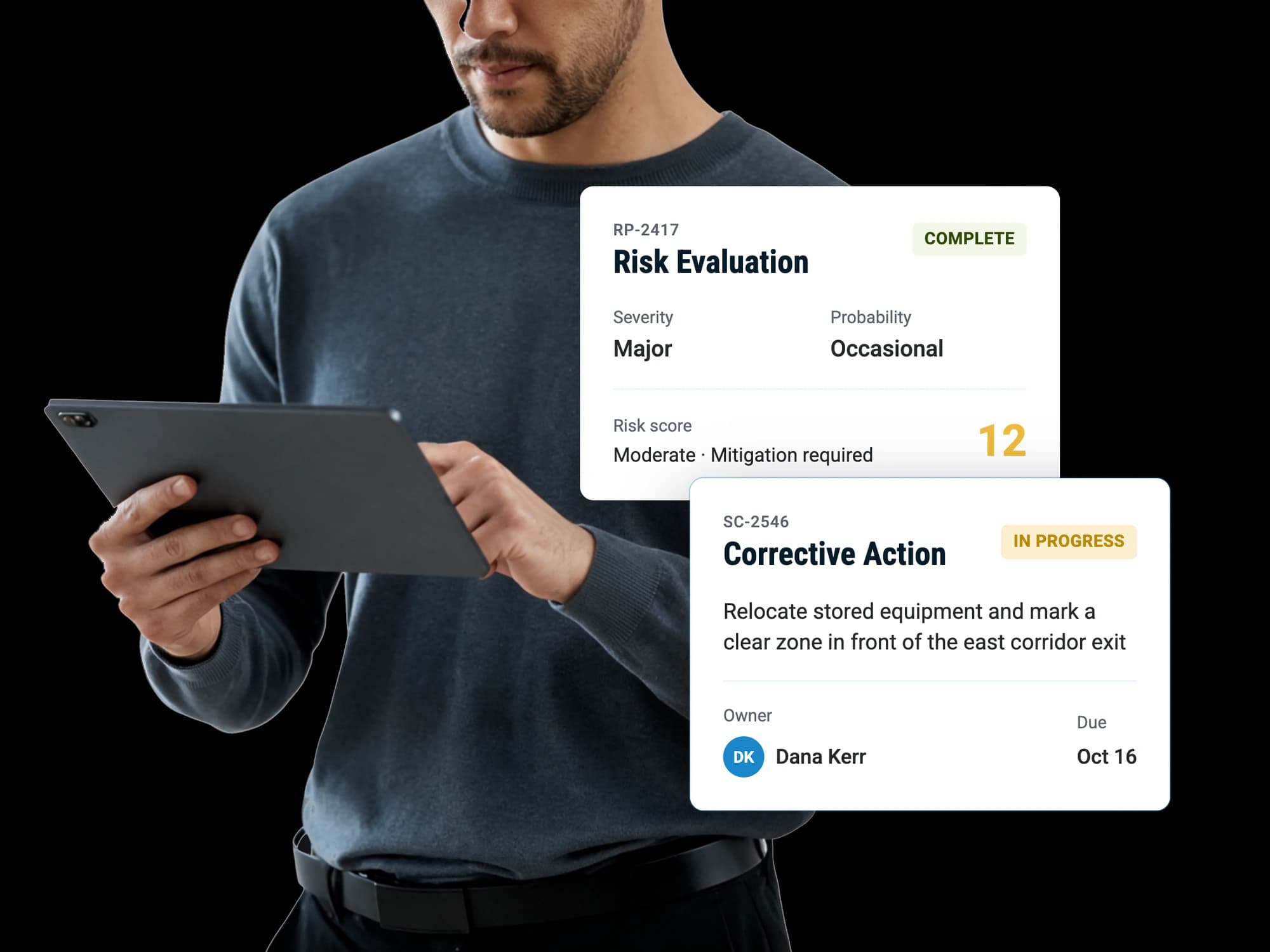
The reviewer's first job is triage. Is this a hazard, a near miss, an incident, or not a safety issue at all? Then the next step. Most hazard reports need a fix with an owner and a due date. A few need a proper look at the risk, and the occasional near miss deserves an investigation. Whatever the call, write it down so the next person can see what was decided and why.
When the fix belongs to a sub, put it on a person at the sub, never on a company name. Give each sub's safety contact or lead foreman an account so they can work the items assigned to them. That is a few accounts per sub instead of one per worker, and it puts the follow-up with someone who can direct the crew. The gap between report and response is where most reporting programs quietly die, and we cover that pattern in this post.
How does an anonymous reporter find out what happened?
They see it on site. Since the reporter may have left no name, the place to answer is out loud and on the board: the morning huddle, the weekly site safety meeting, the whiteboard by the gate. "Someone reported the loose guardrail on level four Tuesday. It was re-secured by noon, and the sub is checking every rail on that floor this week." Thirty seconds, with every trade standing there.
The OSHA policy template points to the same places, naming manager discussions with employees, bulletin board postings and safety committee minutes as ways to share what came of near miss reports.
Say it at every meeting, even when the fix was small. Crews judge a reporting channel by one question: did anything come of the last report? Two weeks of visible fixes do more than any orientation slide.
Where to start this month
Pick one job, ideally your busiest, and run it there first.
- Build one short hazard and near miss form with a job dropdown, a photo field, and optional name and company.
- Print the QR code and tape it where people stop: the gate, the trailer door, the hoist landing, the break area, and the inside of the porta-john door, where every phone on site gets checked.
- Name the reviewer for that job and agree how fast reports get triaged.
- Add the non-punitive, optionally anonymous promise to sub orientation and to the pre-start meeting with each sub.
- Read out the first fixes at the next site safety meeting, naming the hazard and never the reporter.
Give it a month of reports, then roll it to the next job.
In RISE, an Administrator builds the form, switches on anonymous reporting for it, and prints its QR code, or one company poster that lists every public form. Anyone on site can submit from a phone browser without an account, reviewers triage what comes in, and corrective actions go to one named owner with a due date in the Task Register. If you'd like to see it set up for a multi-employer job, book a demo.
Sources
Questions people ask
Can a worker report a hazard created by a different subcontractor's crew?
Any worker on the site can report anything they see, including another trade's setup. That is often where the best reports come from, because the crew working next to a hazard notices it before the crew that made it. Your reviewer then assigns the fix to the contact at the sub that owns the work.
What about workers who don't carry a smartphone?
Keep a paper copy of the same form in the trailer and at the gate, with the same optional name line. Have the superintendent or a foreman enter it the same day so it joins the rest of the reports. Two channels with one set of questions keeps your data comparable.
Will a QR code on the gate fill up with junk or prank reports?
Expect a few, and treat them as the price of an open door. A reviewer marks them as not a safety issue and moves on in seconds. The cost of a handful of silly submissions is far smaller than the cost of the one real report that never got filed.
Should hazards and near misses go on separate forms?
One form is easier for the crew, because the worker shouldn't have to decide what category their report falls into. Let the reviewer classify it at triage as a hazard, near miss or incident. You get cleaner reporting volume and better classification from someone trained to make the call.
Does an anonymous reporting channel replace telling the foreman?
It works alongside the foreman conversation. Anything immediately dangerous still gets stopped and said out loud right away. The QR form catches what people forget to mention, what they won't say in front of their boss, and the record of what was reported and fixed.
Will subcontractors push back on their workers reporting to the general contractor?
Some will at first, usually because they expect reports to be used against them. Settle it before mobilization: put the reporting channel in the subcontract safety requirements, copy each sub's safety contact on the items that belong to them, and judge subs on how fast they close those items. Most subs come around once they see reports turn into fixes instead of backcharges.