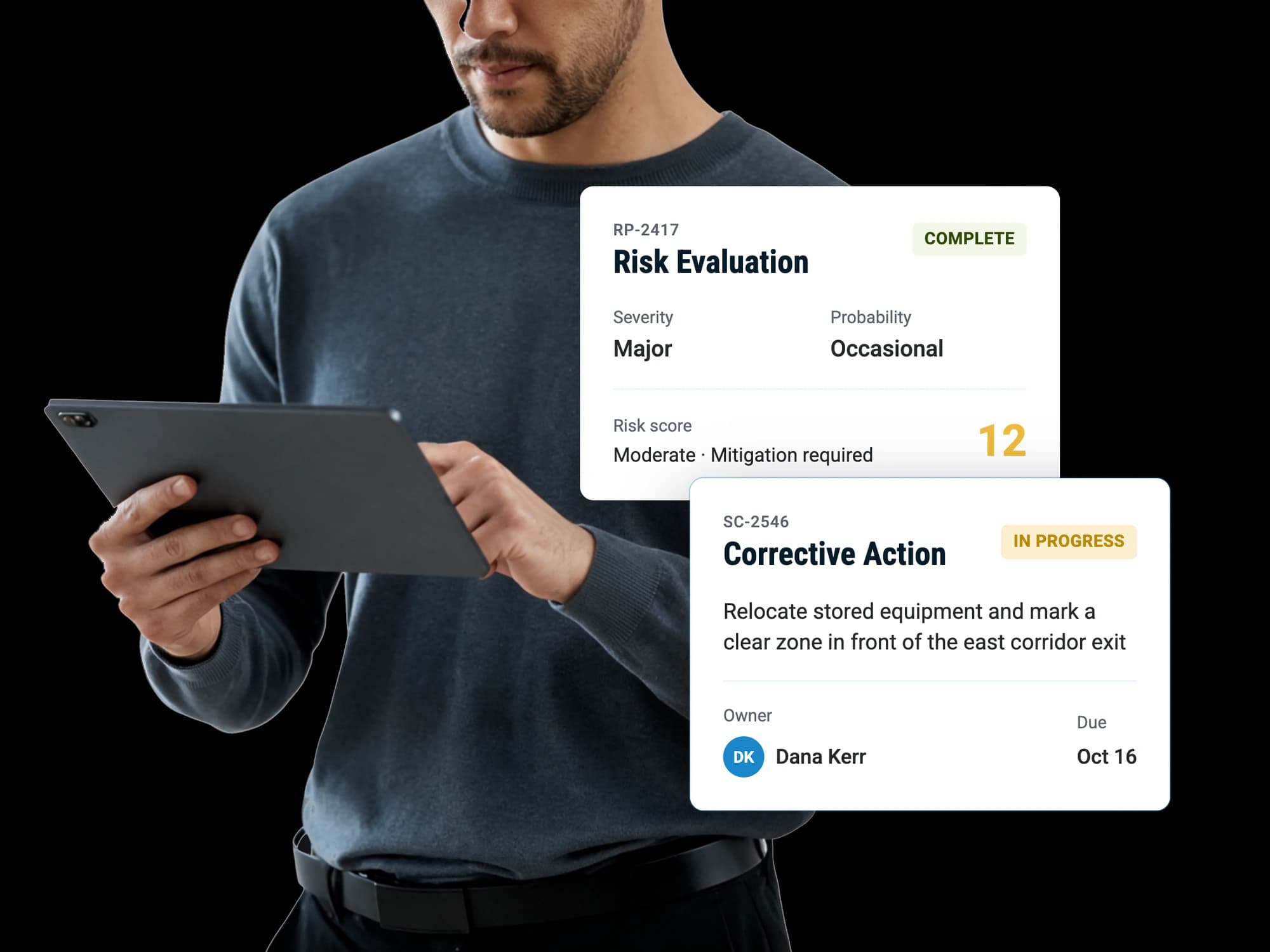
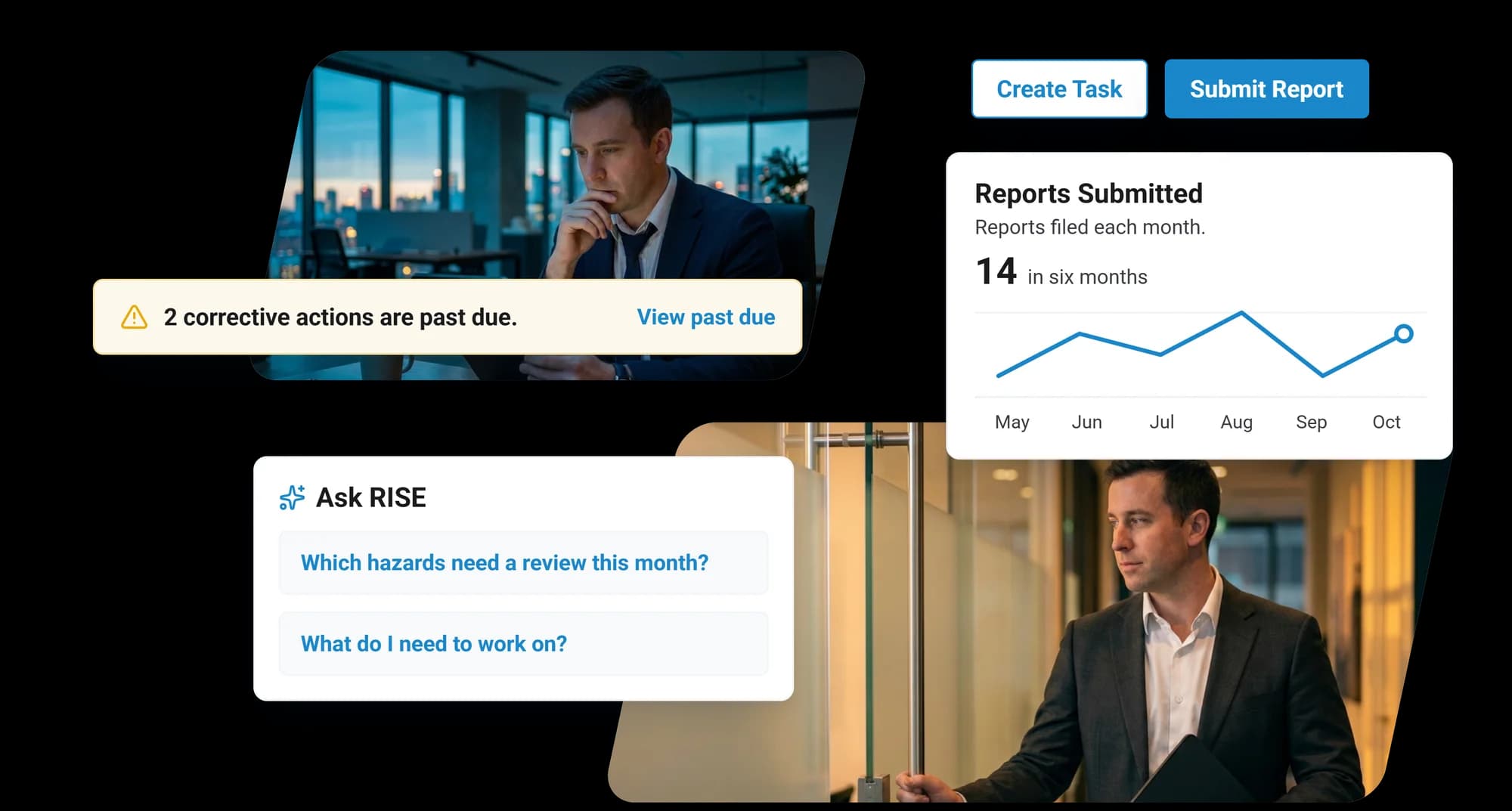
One account cannot see another
Every record carries the account it belongs to, and every query is scoped to it. There is no path through the product that returns somebody else's data.
Four roles, and record-level control
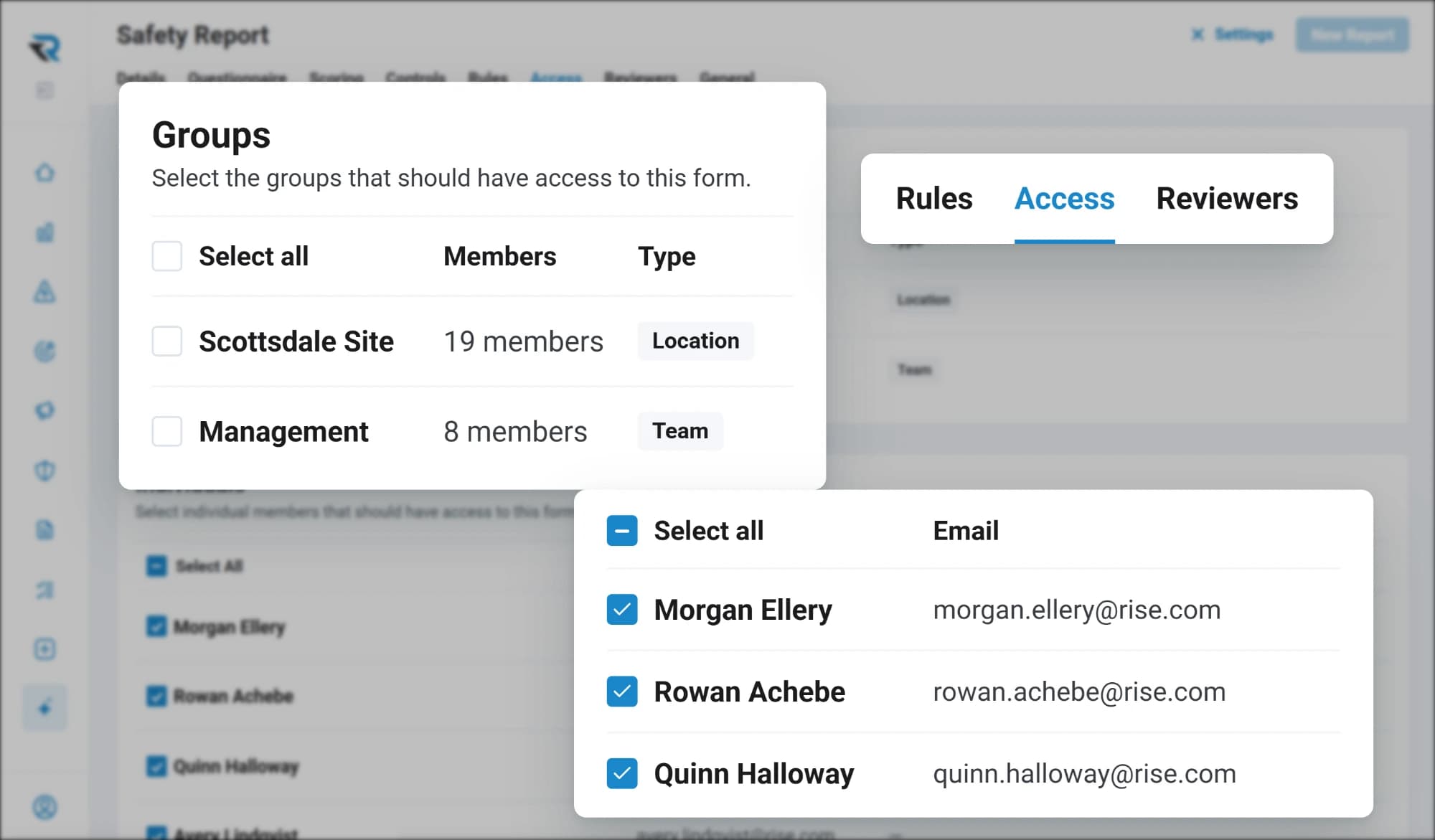
Owner, admin, member, and the anonymous session a public form uses. Individual records and forms can be restricted further, to named people or named groups.
A deletion keeps the history
Deleting marks a record deleted and filters it from view. The history behind it survives, which is the point of keeping records at all.
Access
Who can see a record is a decision, not a default
A report, an evaluation or a safety case can be restricted to named people or to a group, and sharing one tells the people it was shared with. Access is set on the record, so it is decided once by whoever owns it rather than assumed from somebody's job title.
Accepting risk is controlled separately and more tightly: the role required to accept an evaluation rises with the residual risk, so the highest risks cannot be signed off by whoever happened to open the record.
- Owner, admin, member, and anonymous for public forms
- Records restricted to named people or groups
- Risk acceptance gated by authority, not just by login
The AI
The agent cannot see more than the person asking
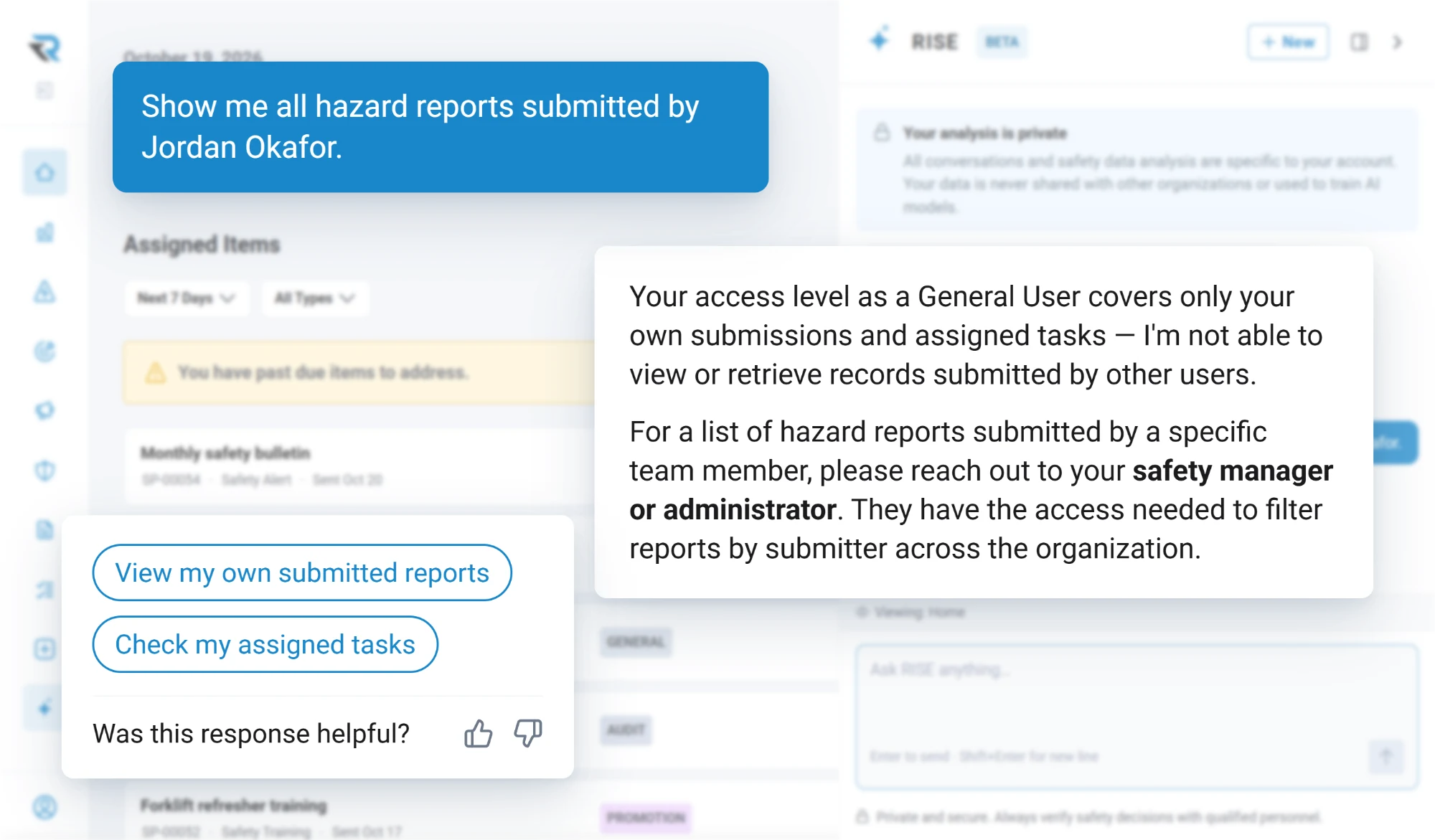
This is the first question most IT teams have about an AI feature, so here is the answer. The agent's scope is worked out on the server from who is asking. Nothing in a question can widen it, because there is no way to name an account or a user in the first place.
A general user sees only their own records. For audits, evaluations and safety cases it resolves visibility through the same rules the rest of the product uses, so it cannot show somebody a record they could not have opened themselves.
- Scope decided server-side, never by the question
- No way to name an account or a user to the model
- The same sharing rules as the rest of the product
- Read-only, so it cannot change a record
The record
Who changed what, and when, visible to you
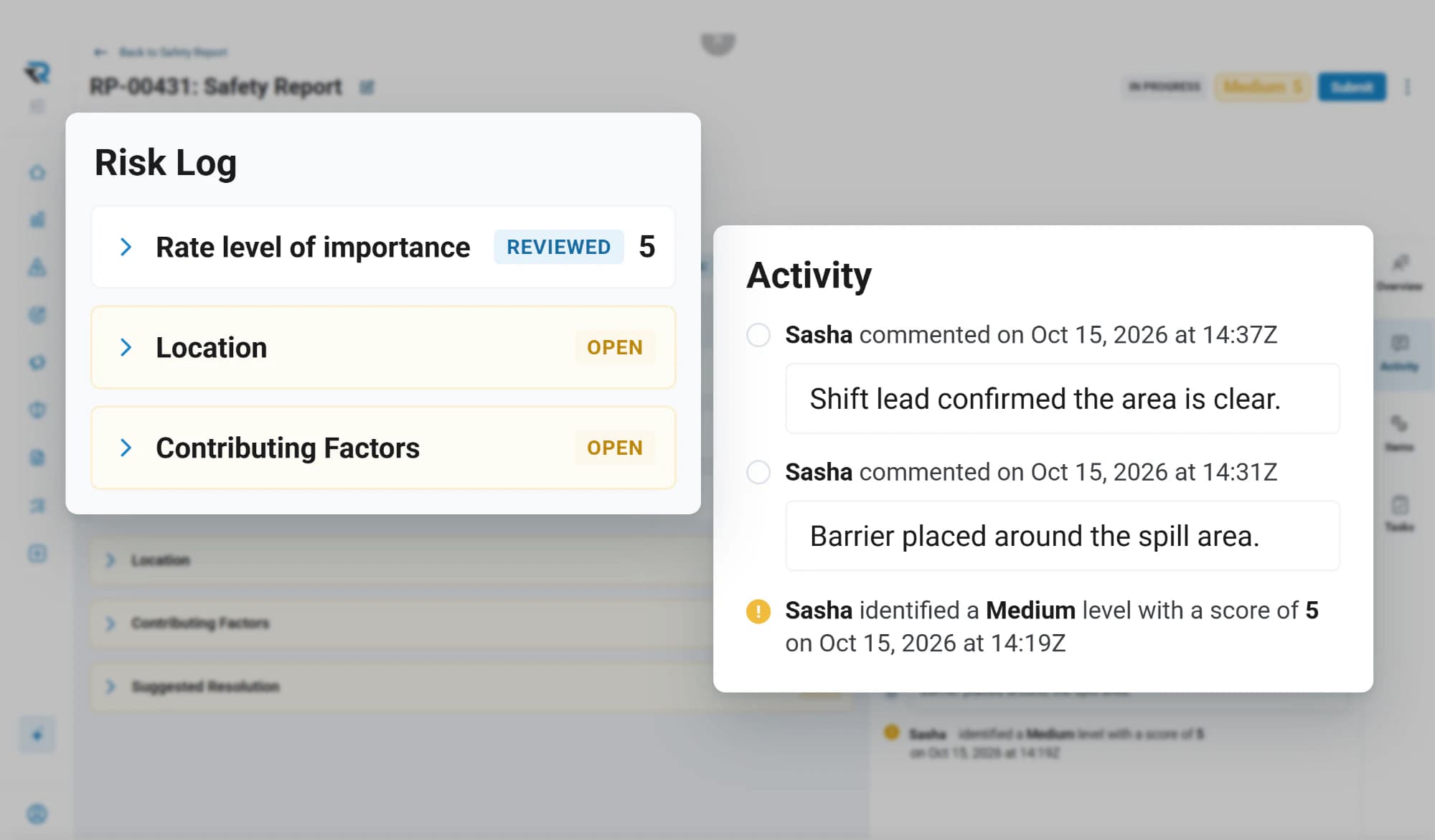
Every record carries its own activity log, in the app rather than in a database somebody has to be asked to query. It reads in plain language, because it stores the label rather than the number underneath it.
Some entries are deliberately kept apart from one another: verified is separate from completed, and accepted is separate from published, so the log shows the decision rather than only the status change that followed it. Who verified a closure is recorded against it, so the entry is traceable to a person.
- An activity log on every record
- Verified, accepted and closed recorded separately
- The verifier is the authenticated user
- Soft deletion, so history outlives the record
Discover how RISE can empower your safety program
A guided walkthrough of how RISE handles reporting, evaluation, resolution and insight, with time to talk about how your own operation runs today.