Skip to content
RISE

Questions

Straight answers to the questions people ask

What the software does, how access and data are handled, how getting started actually goes, and the questions worth asking any safety vendor. If something here is missing, ask us and it will end up on this page.

About RISE

What it is, and who it is for

What is RISE?

RISE is safety management software for high-risk operations. It holds hazard and incident reporting, risk evaluations, corrective actions, audits, inspections, safety objectives and safety promotions in one system, so a report raised in the field and the task that closed it are the same record.

Who is RISE built for?

Operations where the consequences of getting safety wrong are physical: aviation, construction, mining, maritime, rail, oil and gas and similar. It suits single-site operators and multi-site organizations, and it is used by teams where the safety manager is also doing another job.

Does RISE make my operation compliant?

RISE holds the records a safety program produces, in a structure that matches how safety management is usually organized, so the evidence exists and is current when somebody asks for it. Compliance itself is a property of an operation and its records, and it is determined by your regulator or auditor rather than by a vendor.

Is RISE only for aviation?

RISE runs across construction, mining, maritime, rail and oil and gas as well as aviation. It began in aviation, where safety management is most developed, and that depth is where the rest of it came from. A few capabilities stay aviation-specific, such as the flight risk assessment with its weather and NOTAM briefing.

Can I use RISE before I am required to have a safety program?

Yes, and many operations do. Starting before there is any external pressure means the habits and the data are already in place later, and the first year of reporting has usually taught the operation more than any document would.

Using it

How it works day to day

Is there anything to install?

RISE runs in a web browser and adapts to the screen it is on, so the same system works on a phone, a tablet or a desktop. Somebody submitting a report can scan a QR code, fill in the form and send it without an account at all. A native app is in development for teams who need to submit reports offline.

Can I customize the forms?

Yes, and this is done by an administrator in the app rather than by asking us. You build sections and questions, choose from thirteen question types, set point values and scoring, make questions appear based on earlier answers, and decide who receives each form.

Can I change the risk thresholds?

Yes, in both places. On the five by five matrix behind risk evaluations you set where the low, medium and high thresholds fall and what each severity and probability pairing means in your operation. On risk assessment forms you set the minimum and maximum for each threshold, per form, along with the one at which mitigation becomes required and the one that needs approval. What stays fixed is the shape: five by five, with the severity and probability labels as they are, so a decision made last year and one made today were scored against the same yardstick and an auditor can read both the same way.

What are the permission levels?

Three. Owner controls everything including the subscription. Admin controls everything except billing. Member creates and works on records. Individual records and forms can also be restricted to named people or groups. Reporting anonymously is a property of the form rather than a permission level: somebody can submit without an account and without their name attached to it.

Can people report anonymously?

Yes. Anonymous submission is enabled per form, and the person filing decides in the moment using a toggle on the report itself. Separately, a completed report can be exported as a de-identified PDF with names replaced.

Can I assign and track corrective actions?

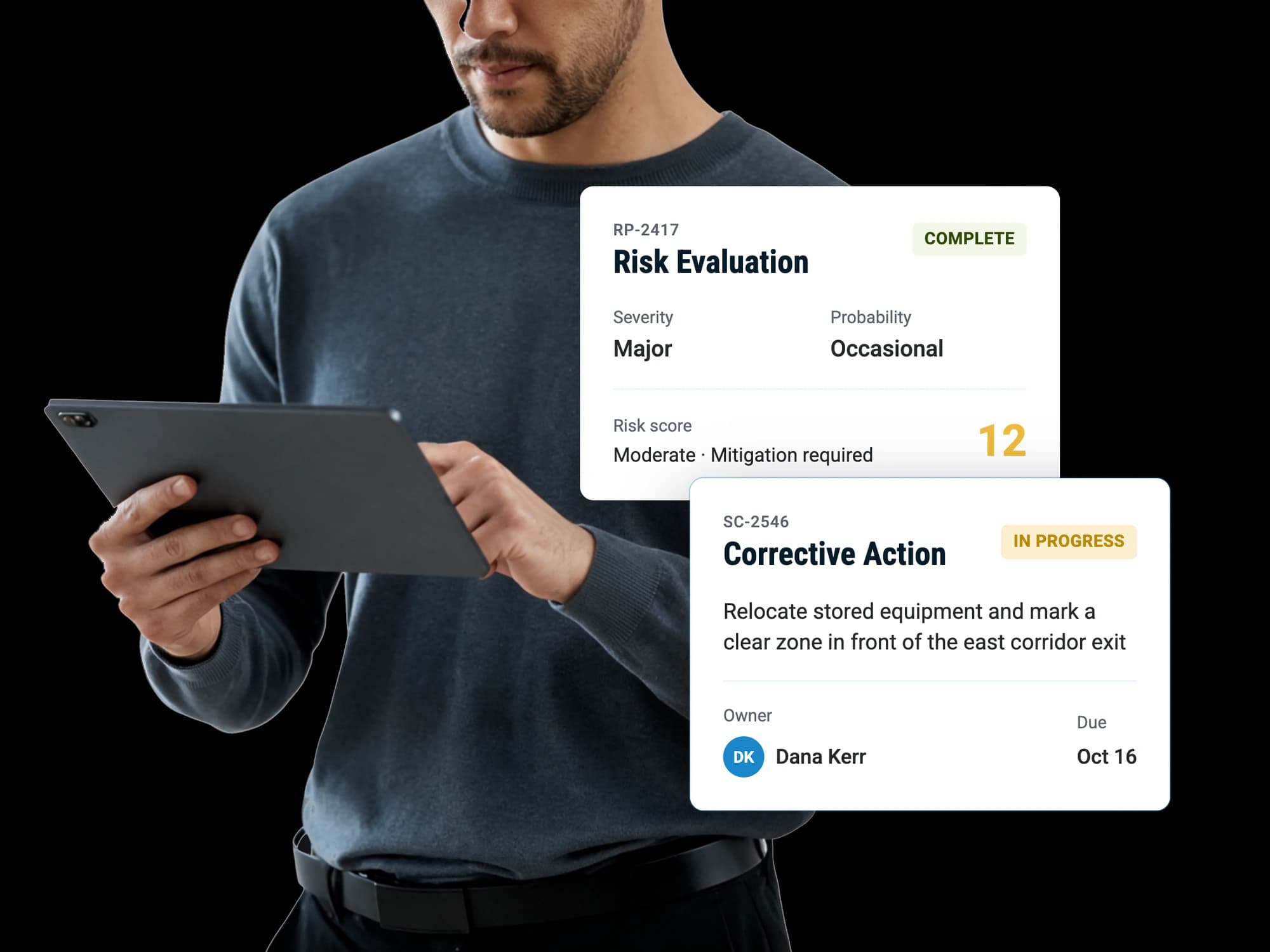
Yes. Tasks raised from any part of the system land in the Task Register, each assigned to a named person with a due date and a priority. A task can be set to require verification, and when it is, it cannot be marked complete without a note, a file, or a link to the record that proves it.

Data and access

Who can see what

Who can see our data?

People in your account, and nobody outside it. Every record carries the account it belongs to and every query is scoped to it, so there is no path through the product that returns another organization's data. Within an account, individual records and forms can be restricted to named people or named groups.

Can the AI see records a user cannot?

The RISE Agent sees exactly what the person asking sees, and that scope is decided on the server rather than by the question. A general user gets answers from their own records, and for audits, evaluations and safety cases it resolves visibility through the same rules the rest of the product uses.

Can we export our data?

Yes. Reports, safety cases, risk evaluations, audits, inspections and meeting minutes export as PDF. Safety objectives and the risk insights report also export as CSV, so the numbers go into a spreadsheet rather than being retyped. An audit exports with its evidence as a zip. The data is yours.

What happens when we delete something?

Deleting marks a record deleted and removes it from normal views rather than destroying it, so the history and audit trail behind it survive. Every record also carries an activity log showing who changed what and when, visible to you in the app.

Where is our data hosted, and is it encrypted?

These are questions your IT team should get a specific answer to rather than a paragraph written for everybody, so ask us and we will put you in front of somebody who can answer them properly. Files are stored separately from the database in Amazon S3.

Plans and getting started

What it costs and how it begins

How much does RISE cost?

There are several subscription tiers, which differ by how much of the safety program they cover: reporting and risk at the lower tiers, then assurance, promotion and policy above them. What an operation needs depends on its size and how developed its program already is, so pricing is best discussed against your actual situation.

Is there a free trial?

RISE comes with a 30 day money back guarantee. You start on a real account with your own data in it rather than evaluating an empty demo environment, and if it turns out not to be right within the first month you get your money back. Aviation operations can also use the free ASAP account, which is permanent rather than time-limited.

Is there a free version?

Yes, for aviation operations: a free ASAP reporting account with the ASAP report form in it, your whole team on the account and the settings to run it. It stays free rather than expiring, and everything filed in it stays exactly where it is if you later take on the rest of the platform.

Do we need help to set it up?

An administrator can set it up themselves, working through a setup checklist in the account: roles and groups, tailoring your form and audit templates, inviting the team, putting the QR codes up. It marks off what you have done and retires itself once the list is complete. Separate safety services are there for what software cannot do, such as writing a manual or working out what your safety objectives should be.

Can we get help writing our safety manual?

Yes, either through RISE safety services or through independent specialist partners who do that work. Those engagements stand on their own and the deliverable is yours regardless of what system you run it in.

Discover how RISE can empower your safety program

A guided walkthrough of how RISE handles reporting, evaluation, resolution and insight, with time to talk about how your own operation runs today.