The platform
The whole safety program, in one system
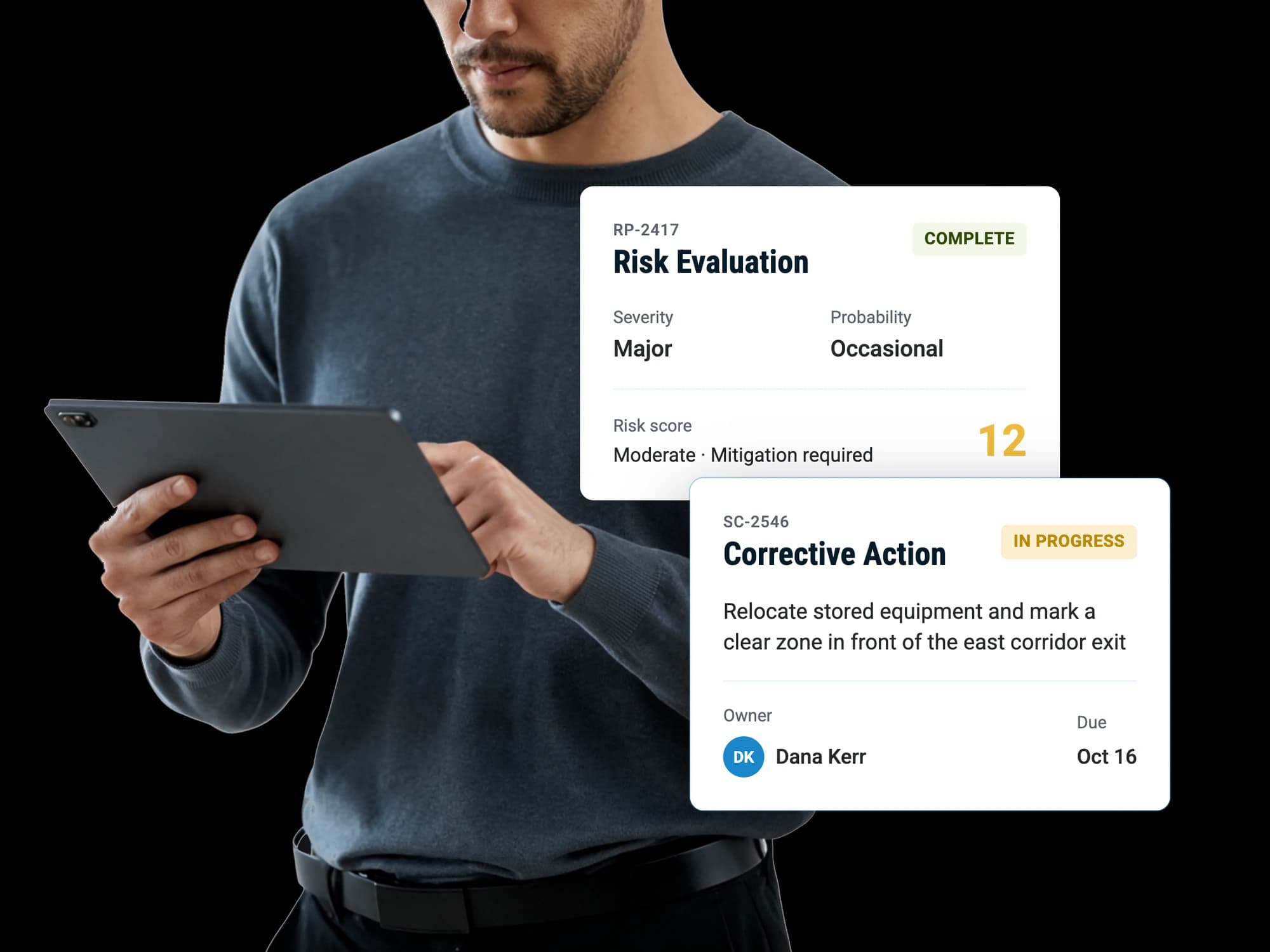
Reports come in from the field, get evaluated the same way every time, and turn into actions somebody owns. What comes out the other end is a picture of the operation that leadership can act on.
The platform
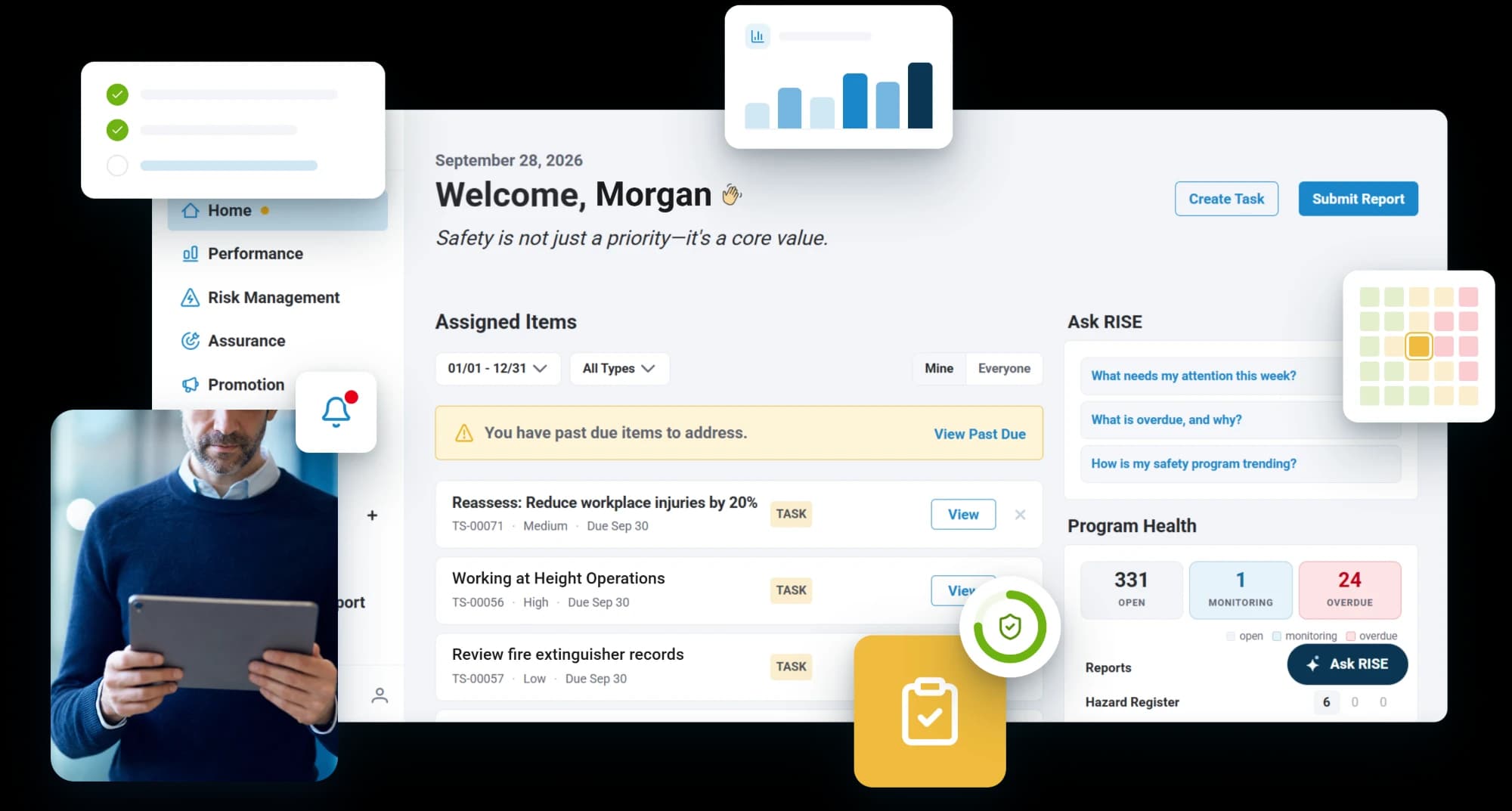
Reports come in from the field, get evaluated the same way every time, and turn into actions somebody owns. What comes out the other end is a picture of the operation that leadership can act on.
Reporting tools collect. Audit tools check. Neither closes the loop between the two. RISE is built around the whole of it, so nothing has to be carried from one system to another by hand.
What the operation has committed to, what it is aiming at, and how it knows whether it is getting there.
Finding out what can hurt somebody, judging how bad it could be, and deciding what to do about it.
Checking that the controls are working and that the fixes actually fixed something.
Making sure the people doing the work know what was found and what changed.
Safety reporting
Hazards, incidents, near misses and post-duty reports, raised by whoever saw the event, on whatever they are already carrying. Scanning a code is all it takes, and nobody has to sign in to file one.
Risk assessments
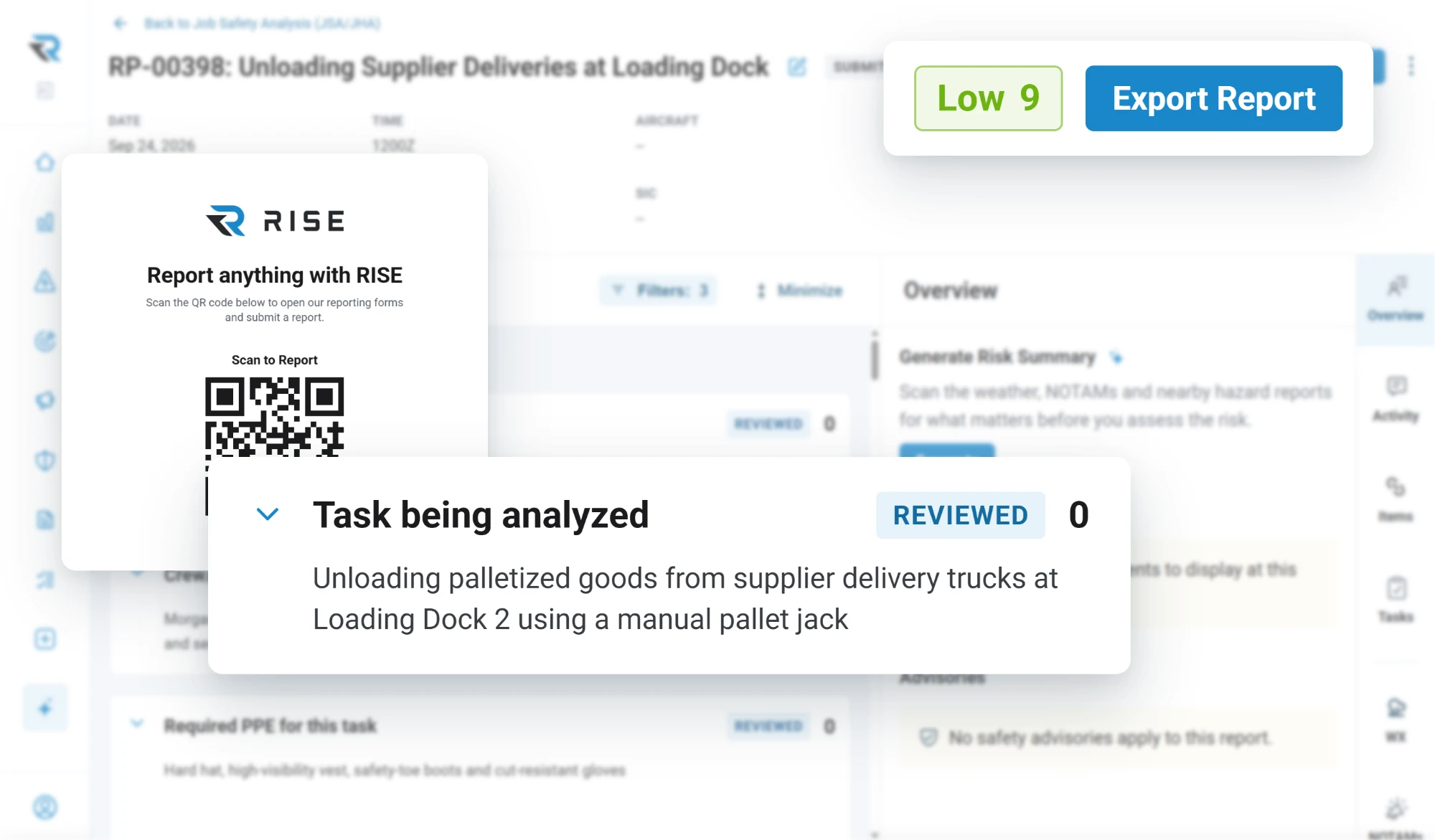
Score a planned operation against your own criteria rather than a generic scale. The mitigations you decide on are tracked as part of the record instead of noted and forgotten, and an assessment can require approval before the work goes ahead.
Safety risk management
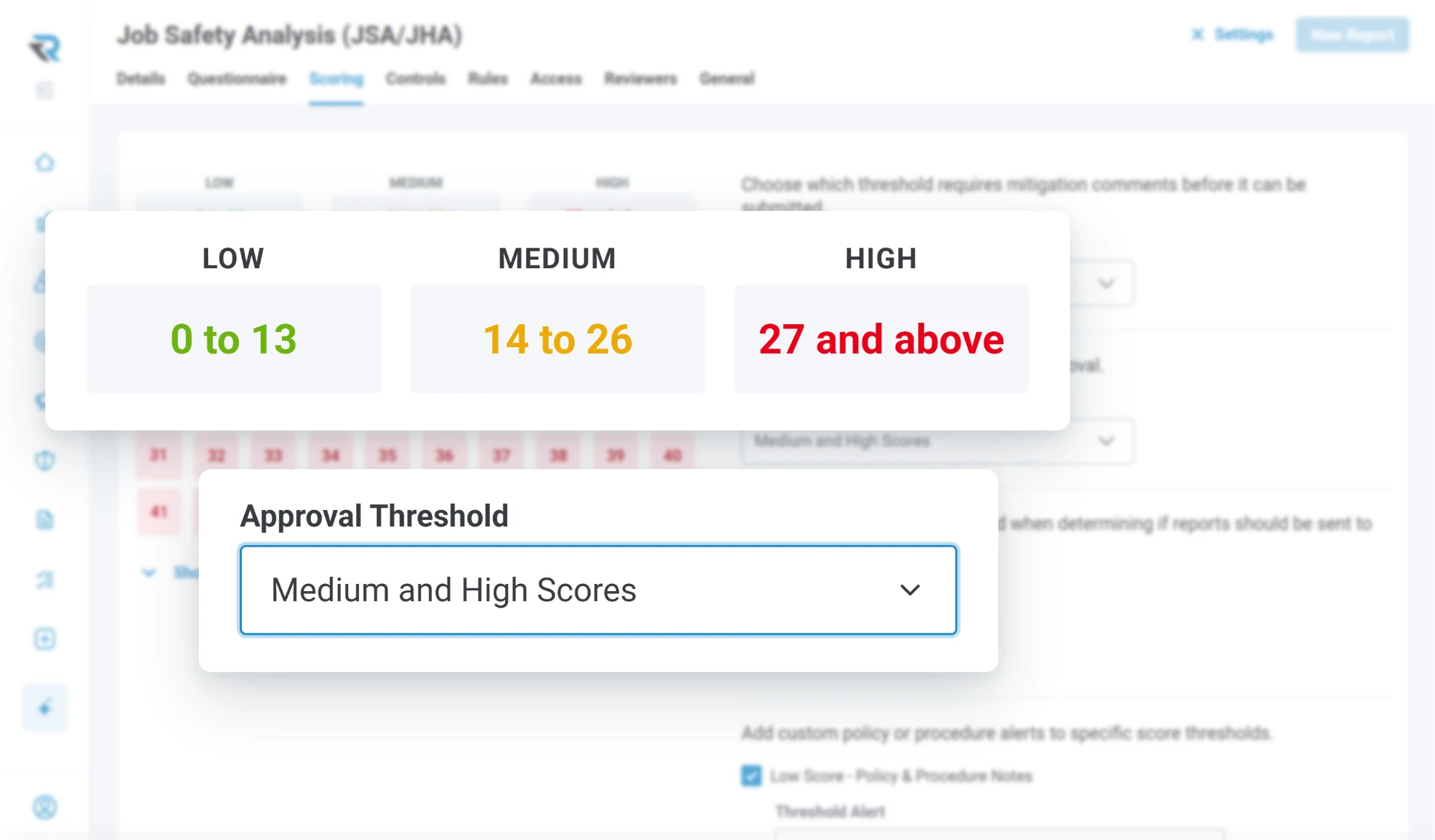
Every report that needs one gets a risk evaluation: triaged, severity and probability assessed on the same scale every time, a strategy set, and acceptance recorded as you go rather than reconstructed later.
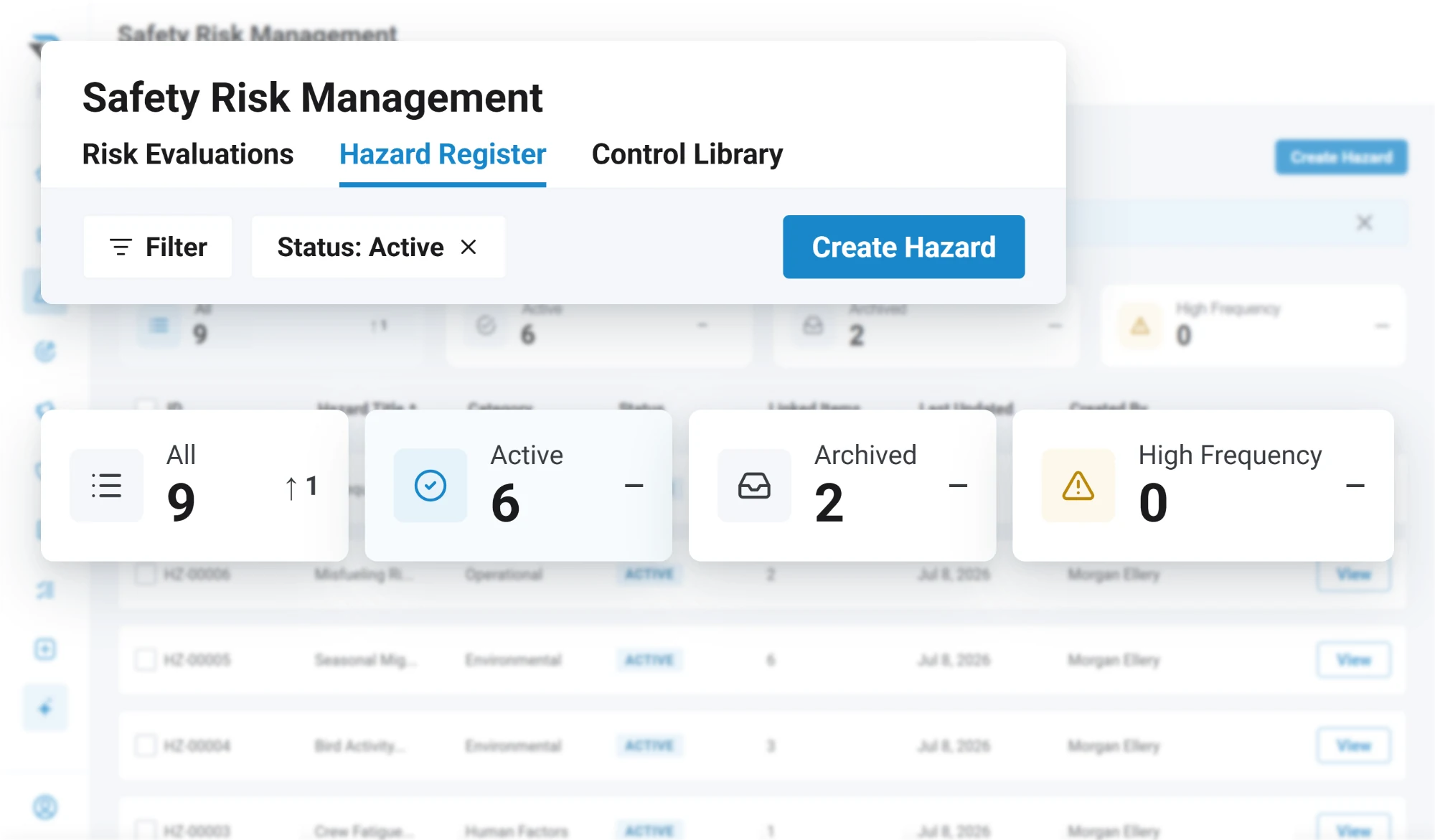
Hazards accumulate in a register instead of in one person's spreadsheet, and the controls the operation relies on live in a library you can point at when somebody asks what is protecting them.
Safety assurance
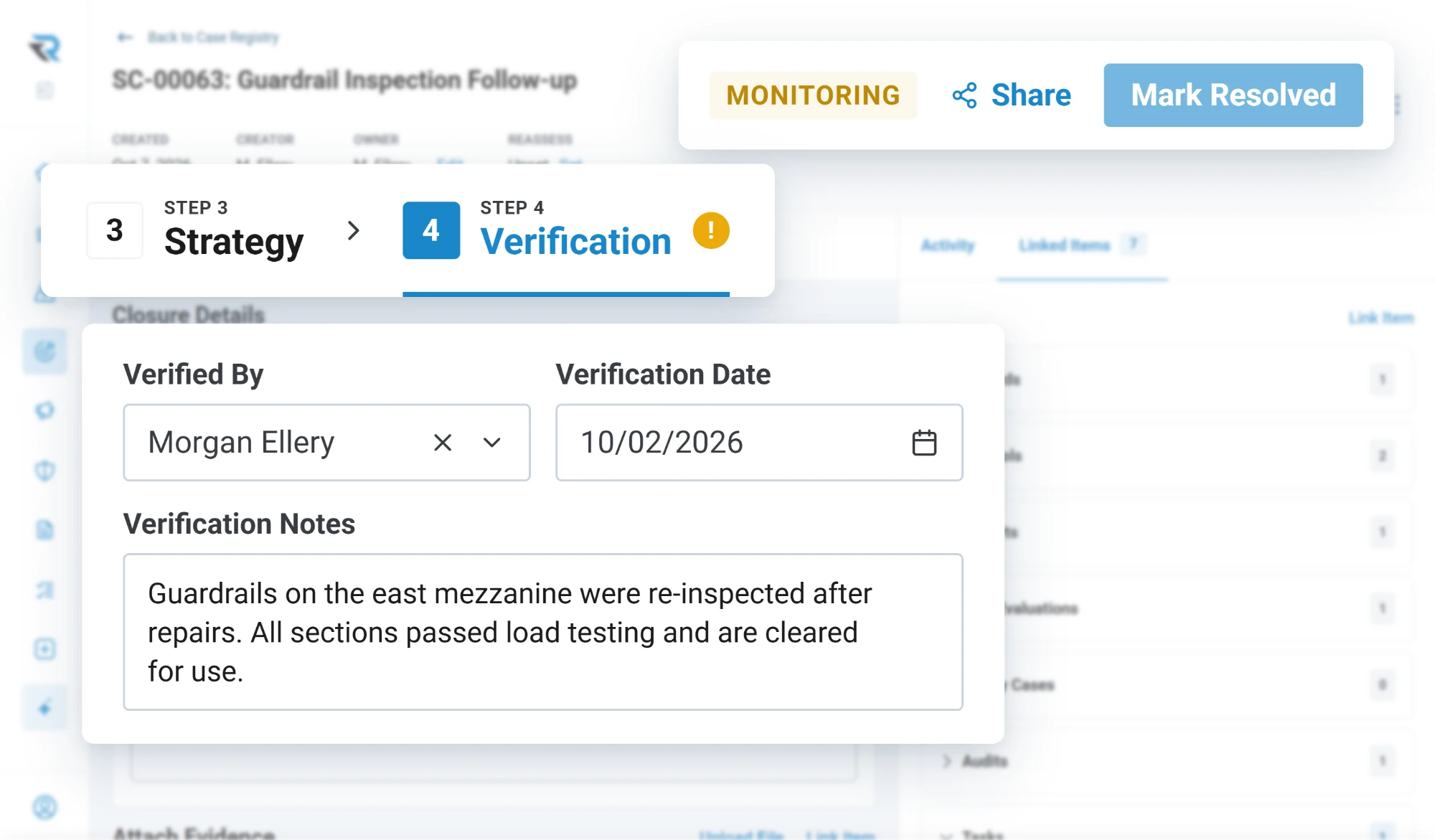
A safety case takes an issue all the way through: root cause analysis, a corrective action plan, monitoring, reassessment and verification. Actions carry an owner and a date, and can be set to require verification with evidence before they close: a note, a file or a link to the record that proves it. A safety case cannot reach resolved without a verifier, a date and notes.
Inspections and internal audits run off templates, or templates you build yourself, with findings, severity and the evidence attached to them. You set the response scale, and the option you mark as a finding is the one that raises a corrective action. The finished report can be exported as a PDF, or distributed straight to the people who need to read it.
Safety promotion
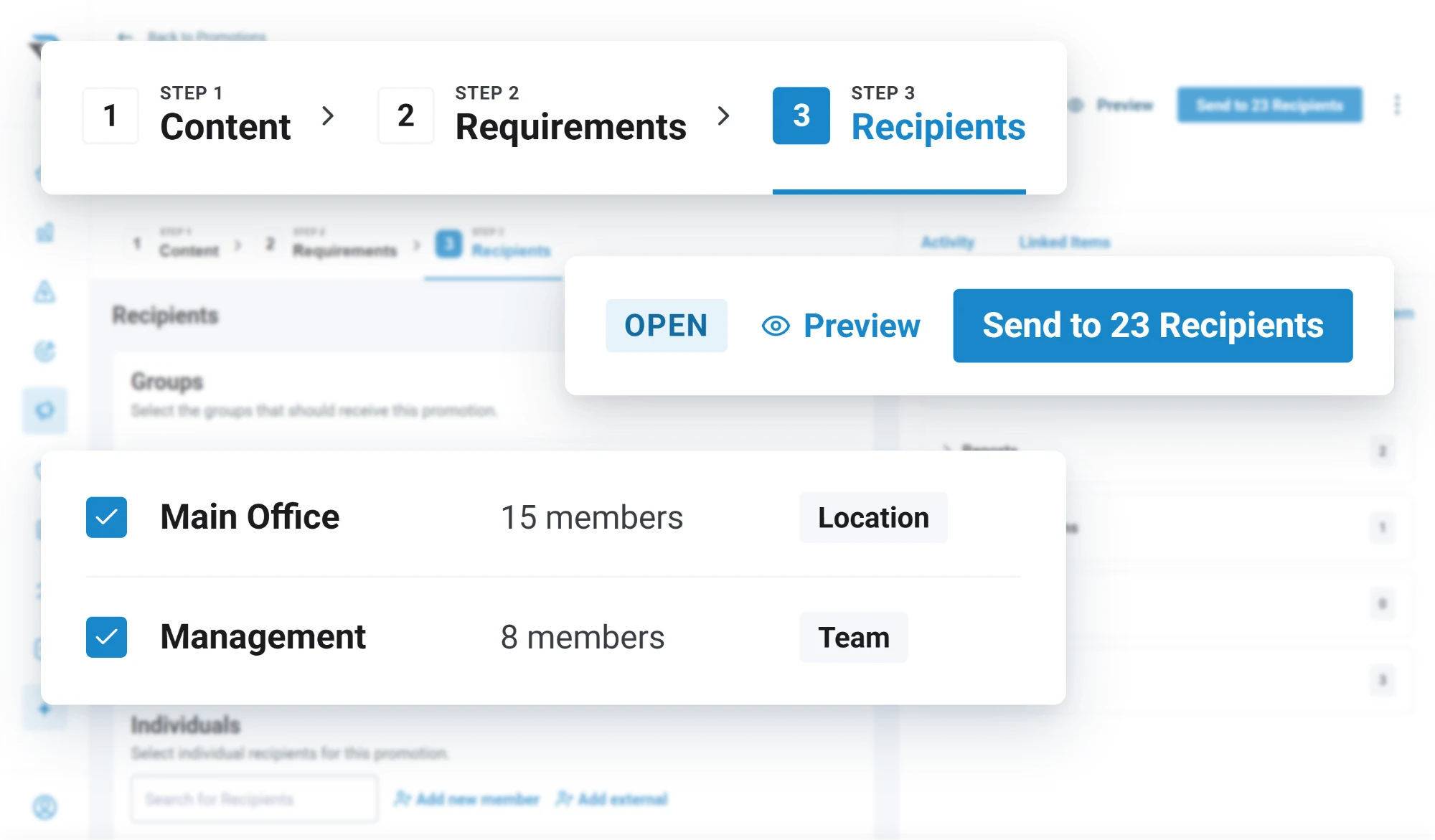
Build a notice, attach what it needs, and send it to a distribution list. You can see who has read and acknowledged it and who has not, and nudge the ones who have not, which is the part that turns a notice into evidence.
Meetings carry an agenda set in advance, attendance recorded per person, decisions captured against each item, and action items raised out of the meeting itself and assigned with dates, where they join the action register with everything else.
Safety policy
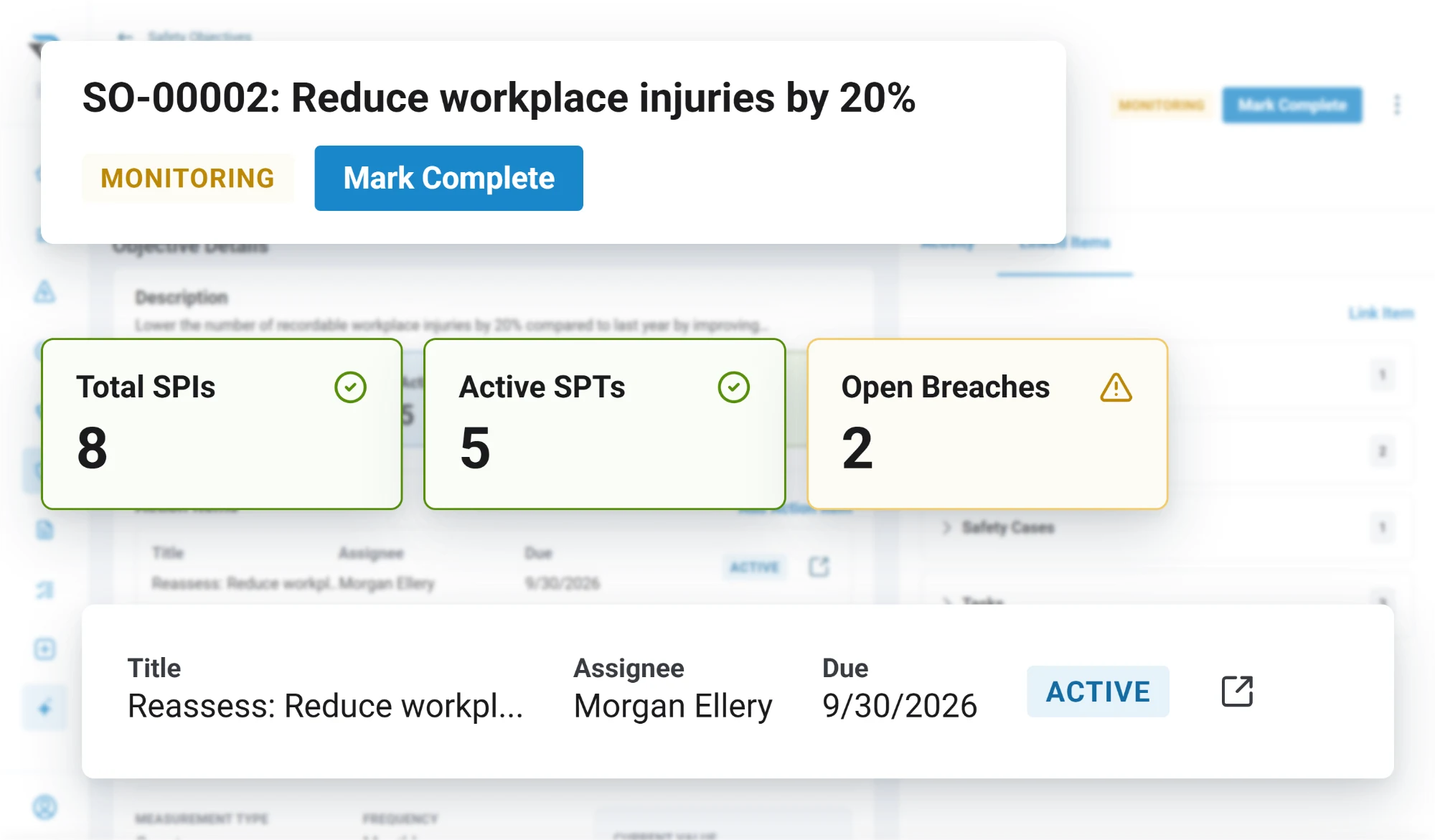
Your policy documentation lives in the system rather than on a shared drive nobody opens. Safety objectives carry indicators and targets that read from your own records, so progress against a goal is a live number rather than something assembled the week before a meeting.
Breach notices tell you when an indicator crosses the line you set, rather than when somebody happens to look.
Documents
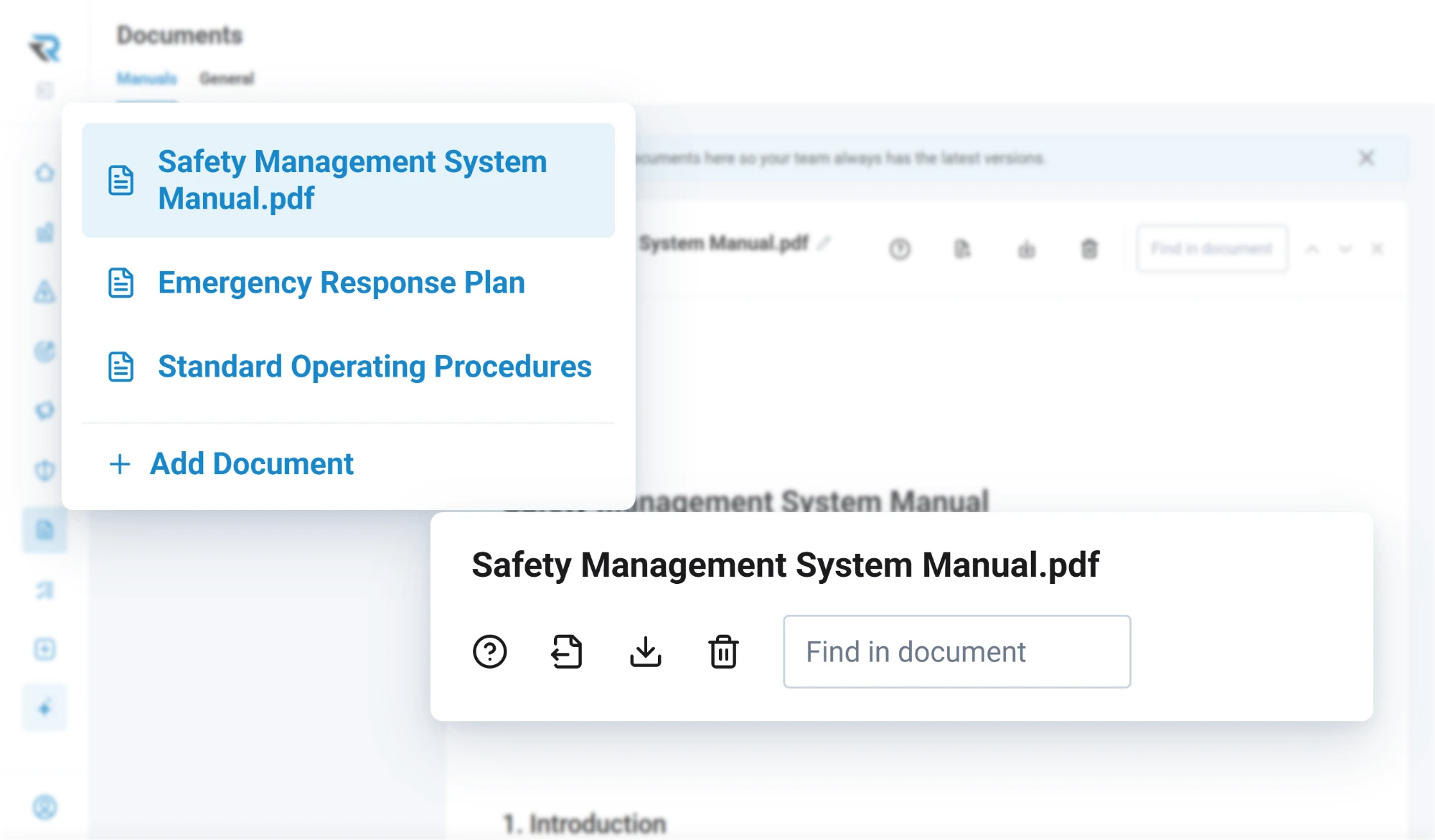
Manuals, procedures and the rest of the safety library live in the same account as the records. When an audit finding needs a procedure behind it, it links to the document itself, so the evidence and the manual can never drift apart the way an attachment does.
RISE Agent
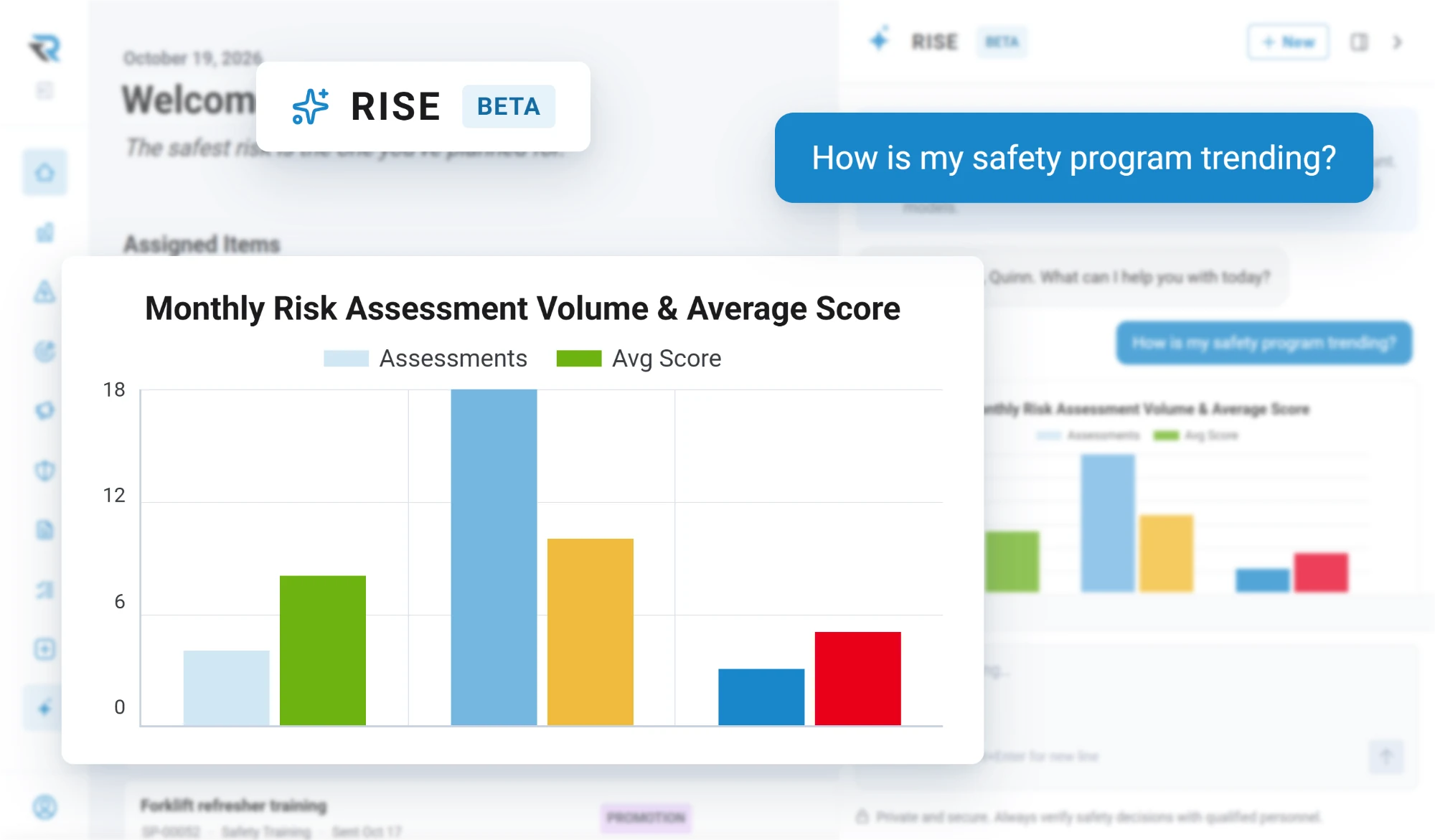
Ask the way you would ask a person. It reads the reports, evaluations, actions and audits your account holds and answers from those records: what is trending, where actions are slipping, what needs attention this week.
Questions
A guided walkthrough of how RISE handles reporting, evaluation, resolution and insight, with time to talk about how your own operation runs today.