Last updated · 8 min read
SEMS Records: What a Program Keeps and How Software Organizes It
By Michael Sidler, Founder, RISE
This article explains published regulations and is not legal or compliance advice. See the linked sources.
Verify against the current regulation at the primary source.

The operator's SEMS auditor asks for the signed JSAs from last spring's wireline job. The sheets rode back in a gear bag and vanished.
As written in 30 CFR 250.1928, SEMS records and documents are "maintained for a period of 6 years, except as provided below." The exceptions are JSAs, management of change records, the injury/illness log, contractor safety evaluations, stop work authority (SWA) training and reviews, and employee participation records, each retained "for 2 years." Whatever system holds these records, a type, a date, a location and a fast way back out make each of them easier to find.
What does 250.1928 list, item by item?
Eight short paragraphs, (a) through (h), and most of them name a record and a clock. Read the section with the box of paper in your yard office in mind.
The long clock covers the program itself. 30 CFR 250.1928 names "all SEMS audits for 6 years," plus "a copy of all SEMS program documents at an onshore location."
The short clock covers the work. For JSAs, as written in 30 CFR 250.1928, "the person in charge of the job must document the results of the JSA in writing and must ensure that records are kept onsite for 30 days," with retention for 2 years after that. The section asks to "document and date all management of change provisions," and names "your injury/illness log for 2 years" and "all evaluations completed on contractor's safety policies and procedures for 2 years," as written in 30 CFR 250.1928. For stop work authority, it lists "all training and reviews required by § 250.1930(e)," kept onsite for 30 days and retained for 2 years, as written in 30 CFR 250.1930. And for employee participation, it lists "your employees' participation in the development and implementation of the SEMS program," as written in 30 CFR 250.1928.
The last paragraph is the one that decides how an audit feels. Paragraph (h) describes records kept "in an orderly manner, readily identifiable, retrievable and legible, and include the date of any and all revisions." That sentence is a filing system written as a rule. A banker's box meets "legible" on a good day and "retrievable" on almost none.
Where does a service contractor show up in Subpart S?
Subpart S speaks to "you," and contractors appear as the people doing work for that "you." As written in 30 CFR 250.1914, "A contractor is anyone performing work for you," and the program is to "ensure that contractors have their own written safe work practices." Paragraph (b) of the same section adds: "Documentation of each contracted employee's expertise to perform his/her job and a copy of the contractor's safety policies and procedures must be made available to the operator and BSEE upon request."
In the field, that text tends to arrive as an email from the operator's SEMS team asking for your safe work practices, proof your hands know the job, and the JSAs your supervisors ran on their deck. The contractor who answers that email the same afternoon gets remembered.
How far any of this reaches your crew depends on the operator's program, your contract and the work itself. That is a question for the operator's SEMS lead or your BSEE contact.
Why do JSAs go missing first?
The JSA gets written where the work is and filed where the work is not. As written in 30 CFR 250.1911, "The immediate supervisor of the crew performing the job onsite must conduct the JSA, sign the JSA, and ensure that all personnel participating in the job understand and sign the JSA." And as written in 30 CFR 250.1930, SWA procedures and expectations go in "as a standard statement in all JSAs."
So the sheet collects its signatures on deck, sits onsite for its 30 days, and then travels. Platform, boat, dock, truck, yard. Every handoff is a fresh chance to end up under a seat.
What works is a copy that leaves the deck the day it is signed. Have the crew and the facility's person in charge sign the paper sheet at the job, as they do now. Then the supervisor files the JSA as a form from a phone browser, attaches a photo of the signed sheet, and tags it with the facility and the job. The paper serves its 30 days onsite. The record is already at the office.
In RISE, the Job Safety Analysis starter template is a standard form an Administrator can shape to your work: the SWA statement as help text at the top, a repeatable section for each job step and its hazards, and a photo question for the signed sheet. The supervisor signs on submission, and the photo carries the crew's signatures into the record.
How should SEMS records be organized?
By record type first, then date, then place. An auditor asks for "the JSAs from that platform in March," never for "folder 14."
Give each item in 250.1928 its own form or record type, named to match it, so nobody has to guess where a stop work review lives. Put a date, a facility or location, and the job on every record. Print the revision date on every document, on the front page and in the file name. Write the retention period into the form's help text, so nobody clears a cabinet early. The same rules hold for management of change records and the injury and illness log, wherever those live today.
In RISE, groups, locations and an asset register let each record carry where it came from. Every record has an activity history, and deleted records are kept, not erased. Any report exports to PDF, and audit evidence exports as a zip when someone asks for a stack of it at once. Your written safe work practices can sit in a Manuals library as PDF or Word files that anyone signed in can read and search.
Stop work and SWA reviews fit the same pattern. A stop work report can be its own form, with anonymous submission switched on if your crews want it. For the reviews, run the safety meeting in Meeting Minutes with SWA as a standing agenda item: the Administrator running it records what was discussed and marks each attendee present, absent or excused when the meeting is completed. That gives you a dated record of the review and who was in the room.
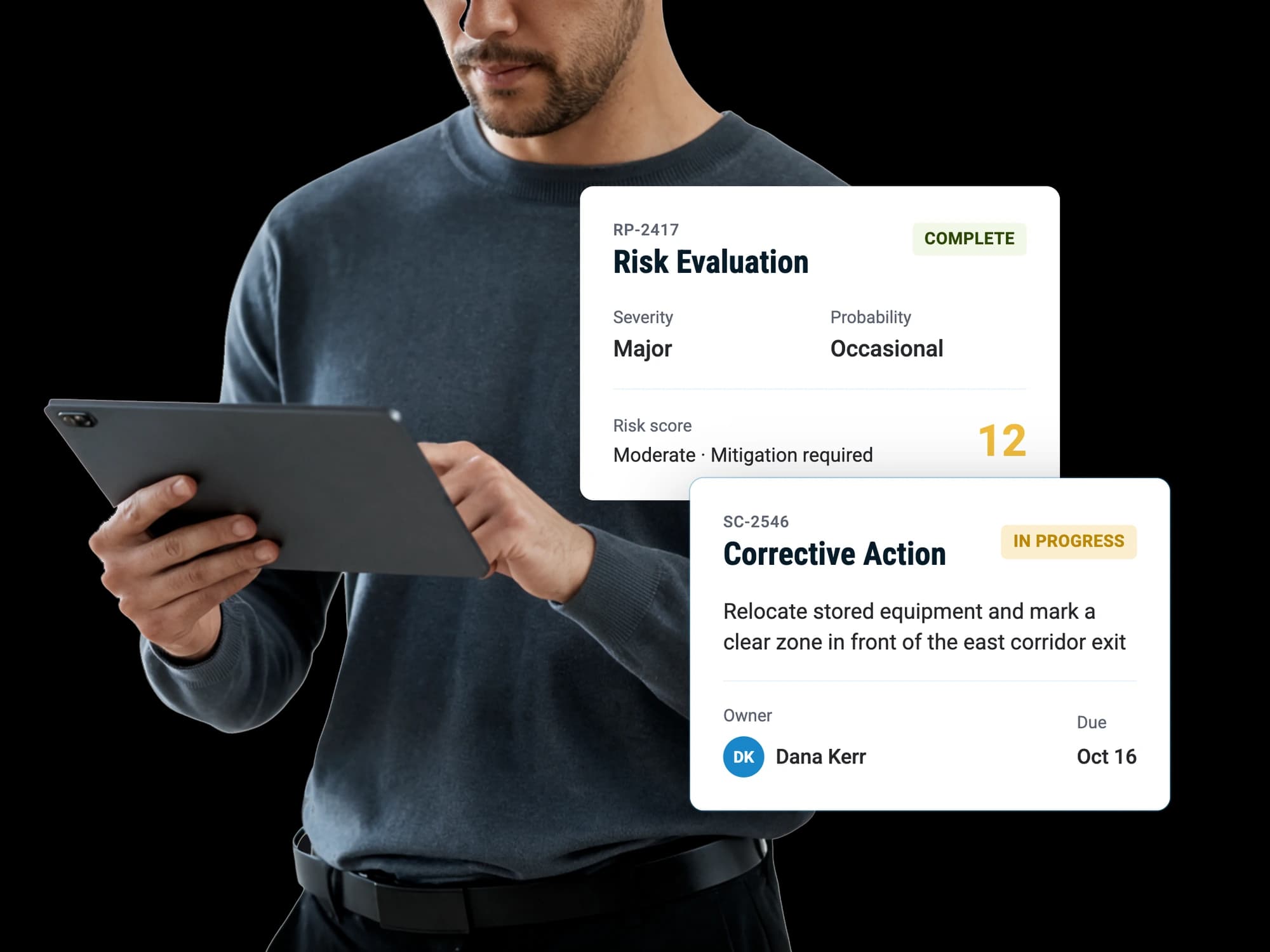
You can also audit yourself first. An internal audit template can carry the 250.1928 reference on each item, and every gap you find becomes a corrective action with an owner and a due date.
Can software handle SEMS compliance?
Plenty of pages selling SEMS compliance software promise exactly that. Software holds the records. Whether a program meets Subpart S is a question for the operator's program, its audits and BSEE, as 30 CFR part 250, subpart S is written.
What good software gives a contractor is speed and a straight paper trail: the JSA found in a minute, the stop work report with its follow-up attached, the meeting minutes showing the SWA review and who attended. If you are comparing tools, our free safety software checklist scores fifteen questions on whether a tool does what your operation needs.
Where should you start this month?
Start with the record that goes missing first, and work out from there.
- Pick your last offshore job and time how long it takes to produce its signed JSAs.
- Write the 250.1928 list on one page. Next to each item, note where it lives today and who can get it.
- Ask your biggest operator customer what their SEMS team asks contractors to produce, and file their answer.
- Put SWA on the agenda of your next safety meeting and record who attended.
- Fix the JSA path from deck to office before anything else.
RISE records JSAs, stop work reports, inspections and meeting minutes against the location they came from, and tracks each corrective action to closure. Book a demo and we will show you how the software can support your crews.
Sources
- eCFR: 30 CFR 250.1928, What are my recordkeeping and documentation requirements?
- eCFR: 30 CFR 250.1914, Safe work practices and contractor selection
- eCFR: 30 CFR 250.1911, Hazards analysis criteria
- eCFR: 30 CFR 250.1930, What must be included in my SEMS program for SWA?
- eCFR: 30 CFR Part 250 Subpart S, Safety and Environmental Management Systems (SEMS)
Questions people ask
Does 250.1928 say SEMS records can be kept electronically?
The section describes how records are kept rather than what they are kept on. As written in 30 CFR 250.1928, records are kept "in an orderly manner, readily identifiable, retrievable and legible, and include the date of any and all revisions." Whether a particular format works for a particular program is a question for the operator's SEMS lead or BSEE. Keeping the signed paper and a dated photo of it covers the two things an auditor checks first: can you find it, and can you read it.
How long does a JSA stay onsite under SEMS?
Thirty days, by the text. As written in 30 CFR 250.1928, the person in charge of the job ensures "that records are kept onsite for 30 days," and on a MODU "for 30 days or until you release the MODU, whichever comes first." The same paragraph then says "You must retain these records for 2 years." Plan for both clocks when you decide where the paper goes after the job.
How do I know whether SEMS covers my crew's work?
The operator you work for and BSEE are the right people to answer that, because it turns on the operator's program, your contract and the work. Ask the operator's SEMS lead what they expect from contractors on their facilities and keep their answer on file. If you want to talk through how your records could be organized either way, book a demo.
What should a stop work record include?
Enough that someone who was not there can follow the decision from stop to restart. As written in 30 CFR 250.1930, "The decision to resume activities must be documented in writing as soon as practicable." A useful record names what was stopped, the hazard, who stopped it, what changed and who cleared the restart. Write it the same shift, while the people involved still remember the details.
Can AI help pull records together for an audit?
An AI assistant, available as a paid add-on that works best from the risk and assurance tools up, answers plain-language questions about your own records, such as which reports came from a given location last quarter or which corrective actions are still open. It answers from what the person asking is allowed to see, with follow-up questions in the same conversation. It is read-only: it answers questions, and the people on your team still create, edit and close the records.