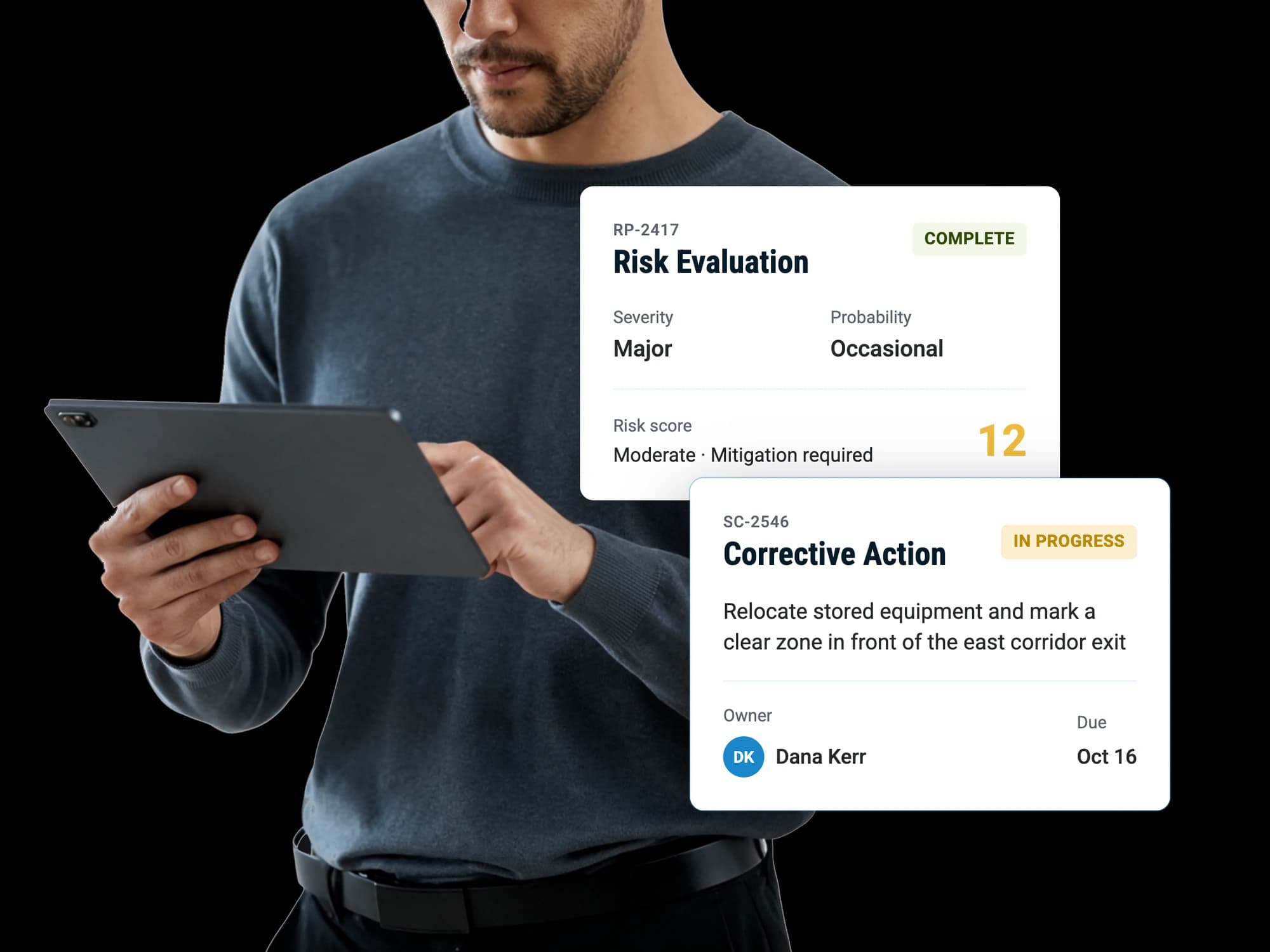

Scheduling integration
Schedaero trips, with the assessment already assigned
Trips sync from Schedaero and arrive with their assessment assigned, so the crew has one before anybody has to remember to raise it.
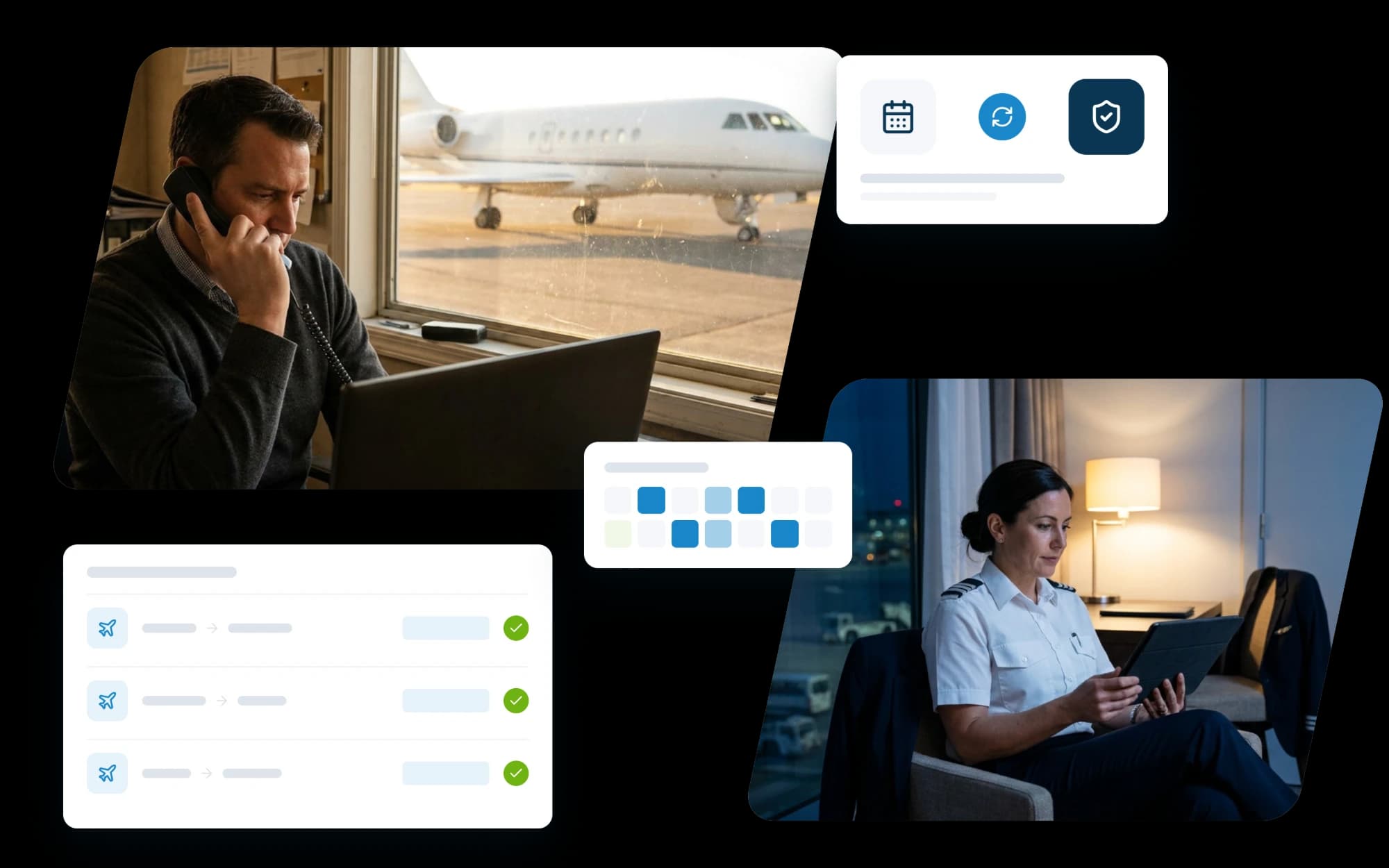
Scheduling integration
Trips sync from Schedaero and arrive with their assessment assigned, so the crew has one before anybody has to remember to raise it.
Once it is on, nobody has to do anything to keep it running.
Scheduled trips come across on their own, polled every few minutes, so a schedule change is picked up rather than waiting for somebody to notice it.
Each trip gets the assessment your defaults call for, read from the aircraft or from the pilot in command, whichever you point the connection at. The pilot responsible for it is notified.
It is completed on a phone, or anywhere else.
The finished report is emailed to the pilots and anyone else set to receive them. Sending it back into Schedaero is on the list to build.
A guided walkthrough of how RISE handles reporting, evaluation, resolution and insight, with time to talk about how your own operation runs today.