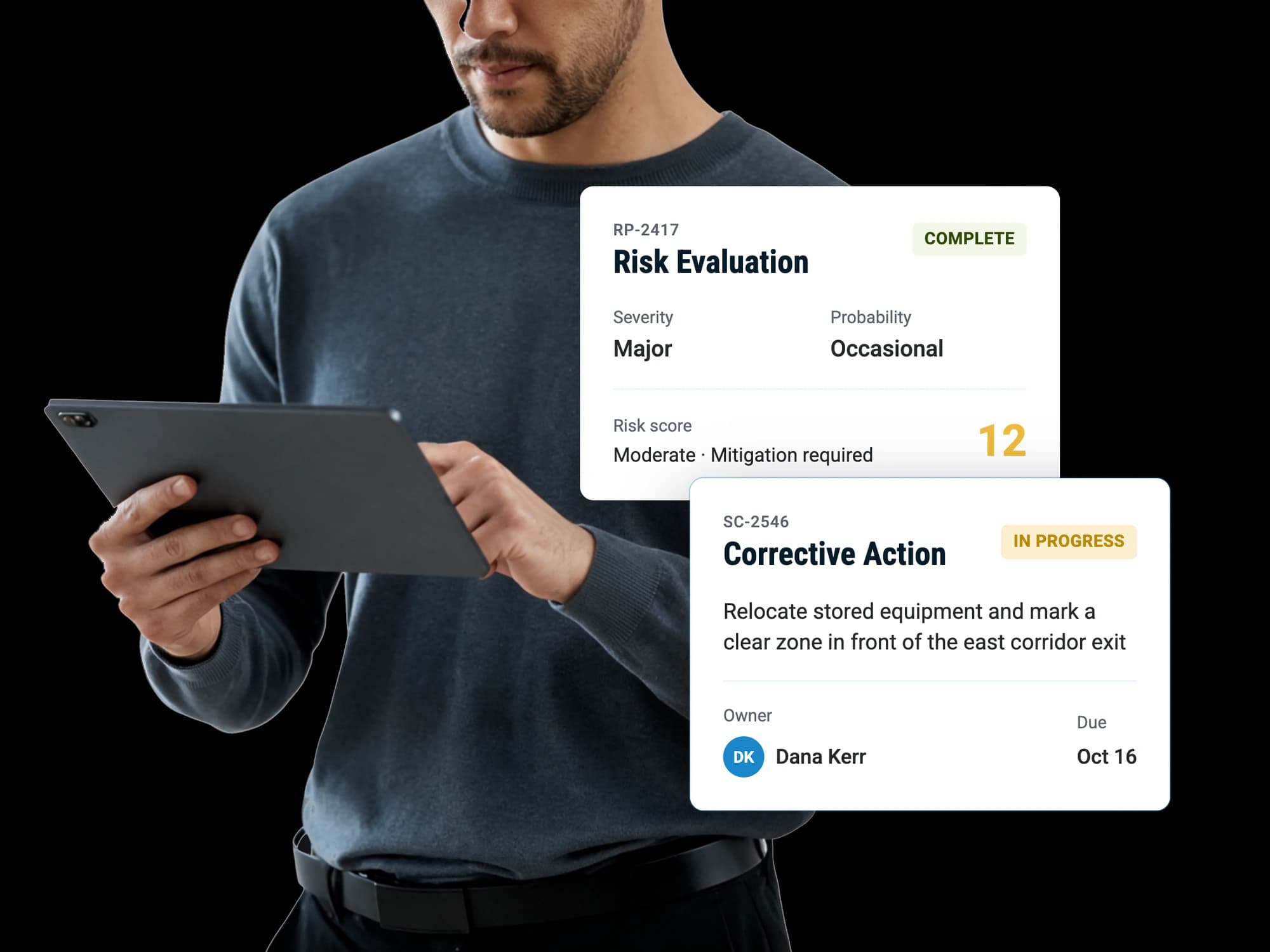
Flight risk assessment
Every trip analyzed against your own thresholds
Run the FRAT in the time it takes to read it. RISE fills in what your scheduling software, the weather and the NOTAMs already know, and the crew decides the rest.
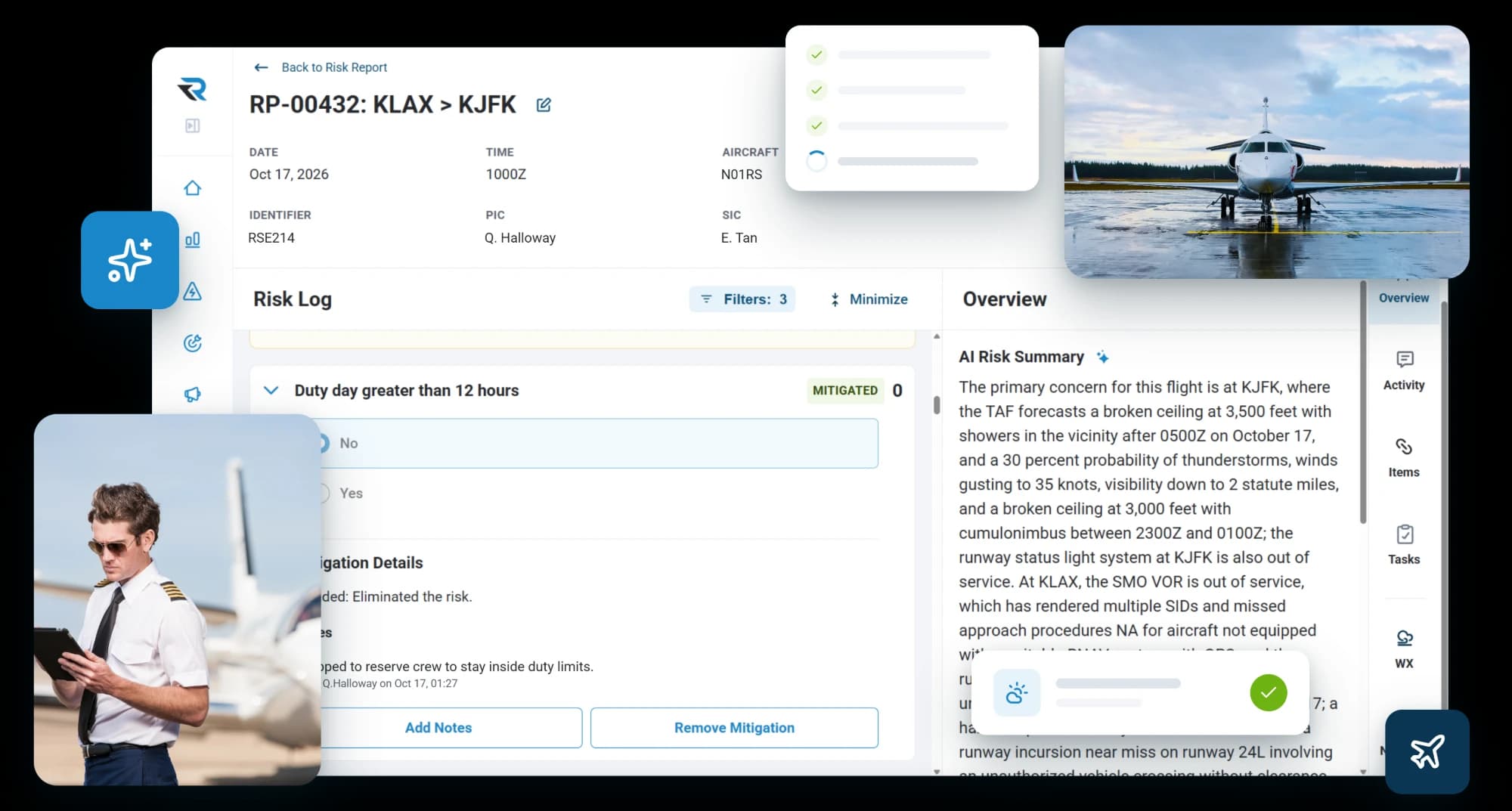
Flight risk assessment
Run the FRAT in the time it takes to read it. RISE fills in what your scheduling software, the weather and the NOTAMs already know, and the crew decides the rest.
They skip it because it lives in yet another system they have to remember to open, the answers are scattered across scheduling, weather and NOTAMs, and it sits at the bottom of the list on a morning that's already running late.
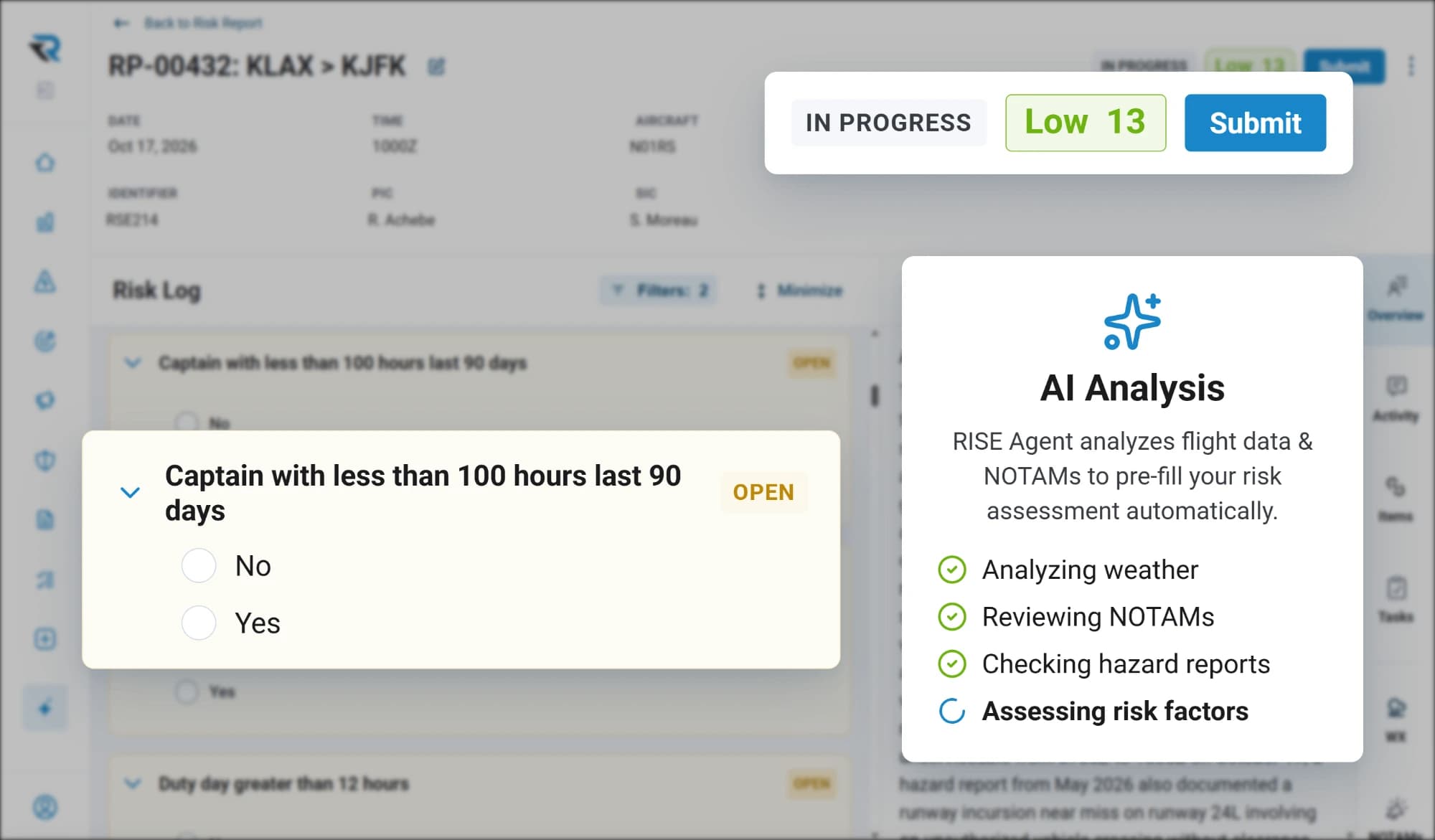
Where the trip currently sits, from the questions the data was able to answer. Preliminary, because it is not finished until a person has been through it.
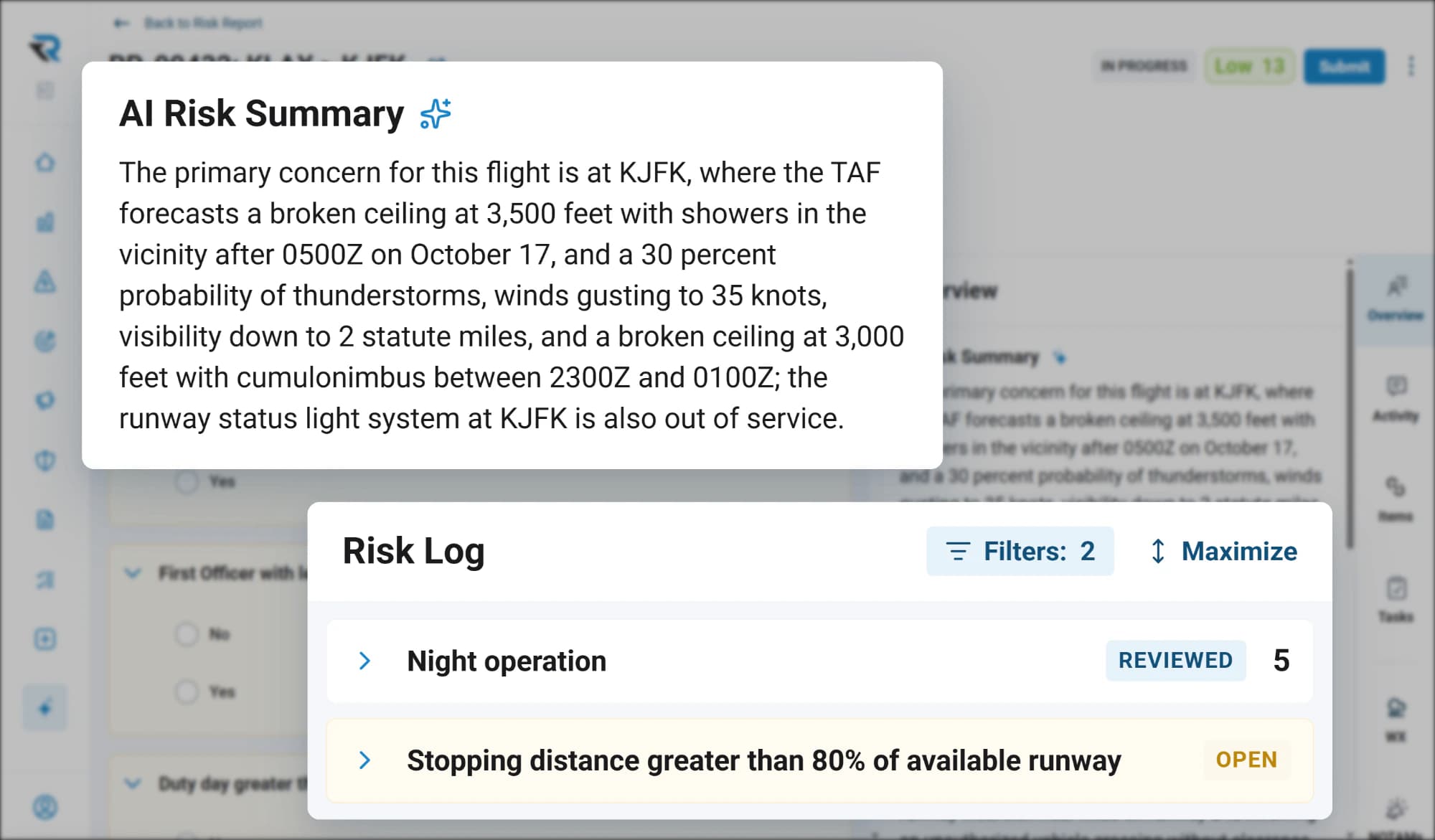
What this crew should know about this trip, written out, instead of a stack of notes and hazard reports to read looking for the parts that matter today.
The questions it answered and the questions it would not are shown apart, so the pilot knows exactly what is left rather than having to check its work.
Why this was hard
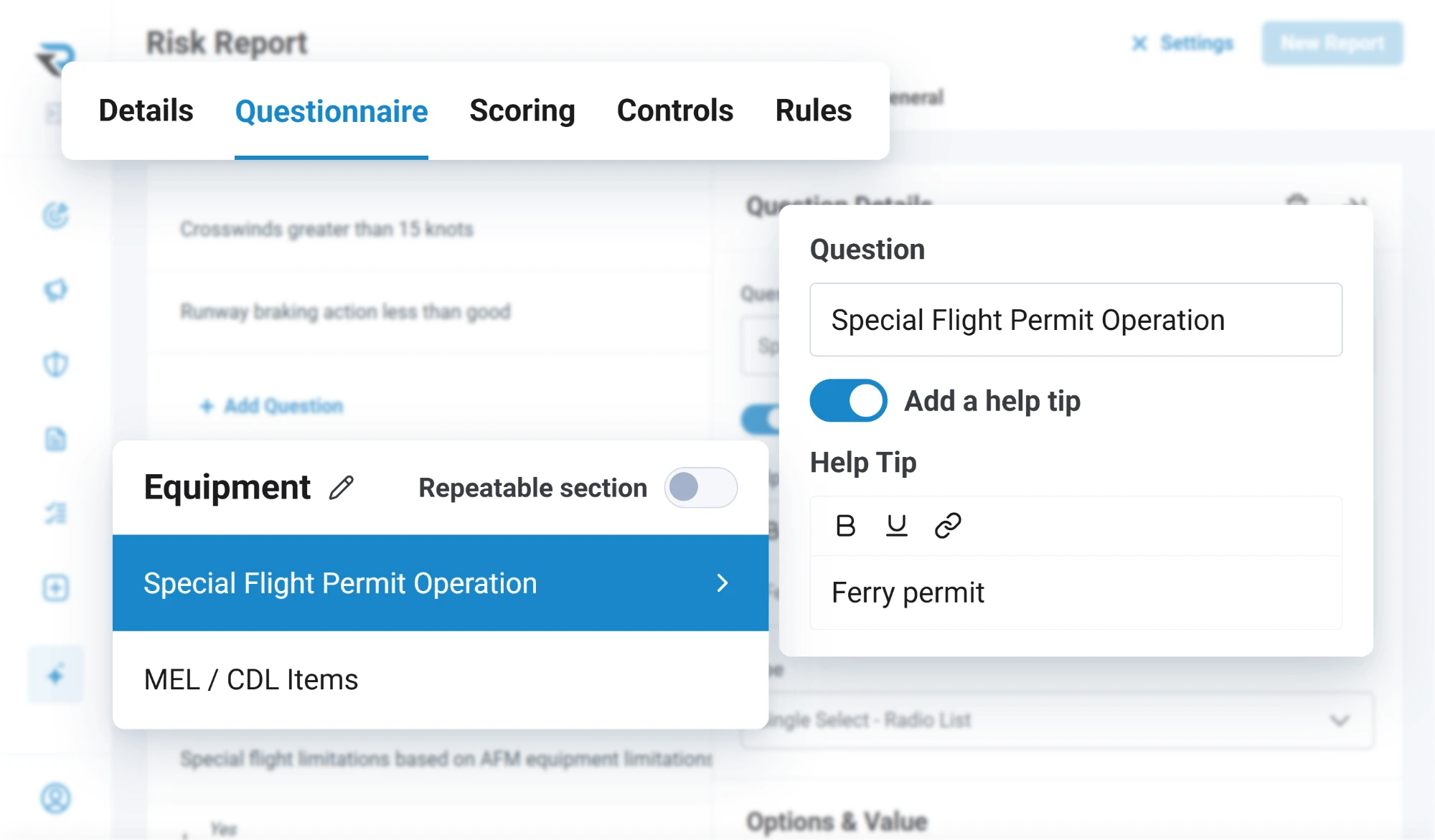
Every form in RISE is fully customizable, and every operator is meant to make it their own. You add questions, you change the wording, you set your own point values, and you do it again when the operation changes. That is the whole point of it, and it is exactly what made filling one in for you impossible for years.
RISE now reads your form as it stands every time the analysis runs, so it answers what the trip data knows no matter how you've changed the questions. Pre-filling a form we wrote for you would have been easy. RISE pre-fills the form you wrote, and keeps up as you change it.
The inputs
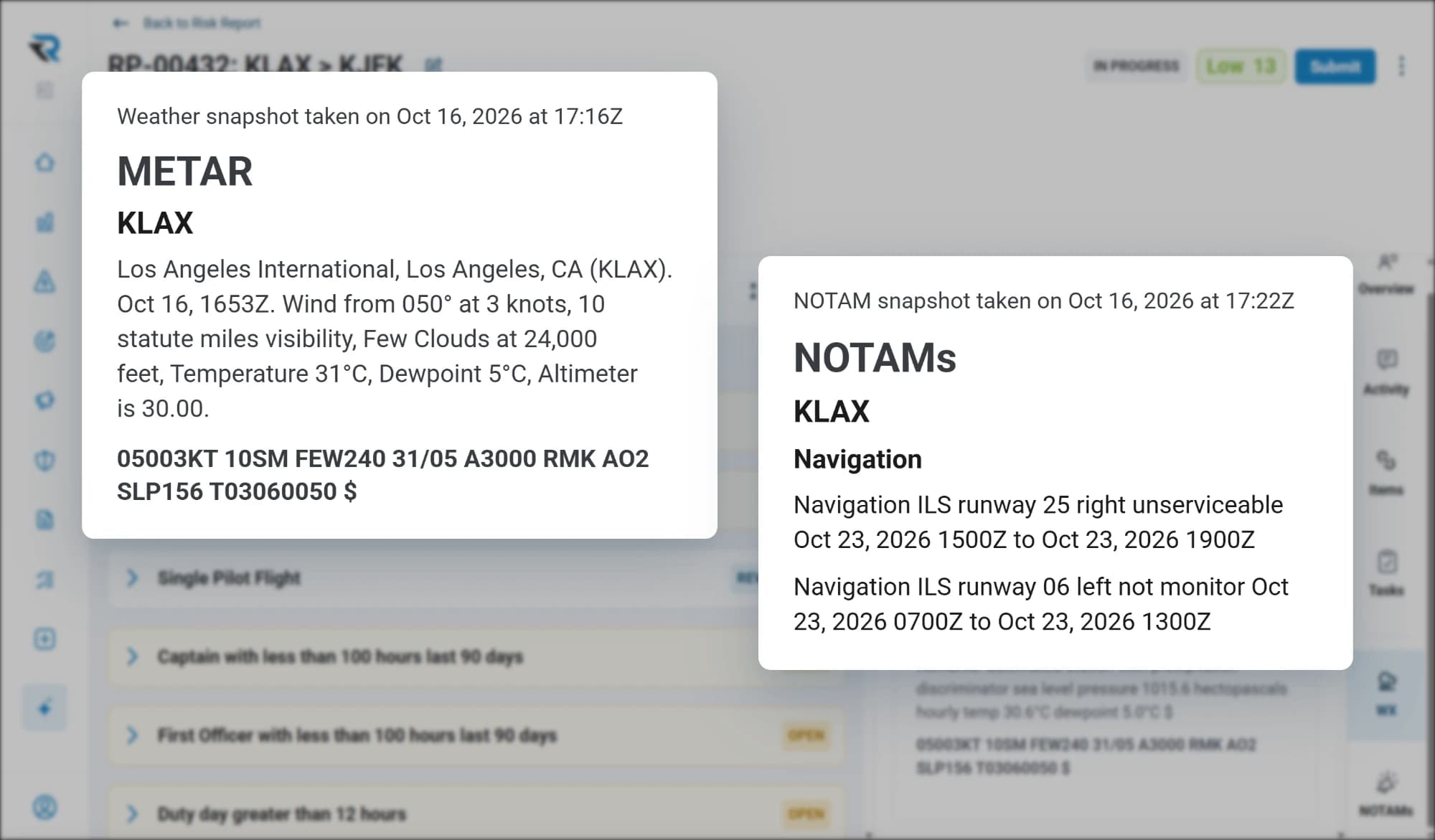
RISE takes the trip from your scheduling software: the departure, the destination, the aircraft, the times. Not the flight plan, and it does not need it. From the departure and the destination it pulls the current weather and the NOTAMs for both ends and puts that material in front of the crew, where it can affect the assessment instead of sitting in another tab.
The analysis
The crew opens the assessment and picks how to work through it: run the analysis, or answer every question themselves. Both paths lead to the same form and the same thresholds, and the manual one is always there for a crew that would rather go question by question.
Run it, and it goes through the form as your operation has it now, question by question, and works out which of them the trip data actually answers. Those it fills.
The rest it leaves. It is built to answer only what it is certain of, and to leave alone anything it would have to infer. A FRAT that guesses is worse than a blank one, because a blank one is honest about what it does not know.
The summary
Alongside the score comes a written summary of what bears on this trip. It is the part that replaces scanning every note and open hazard report hoping to spot the three things relevant today. The reading is done; what arrives is the result of it.
The decision
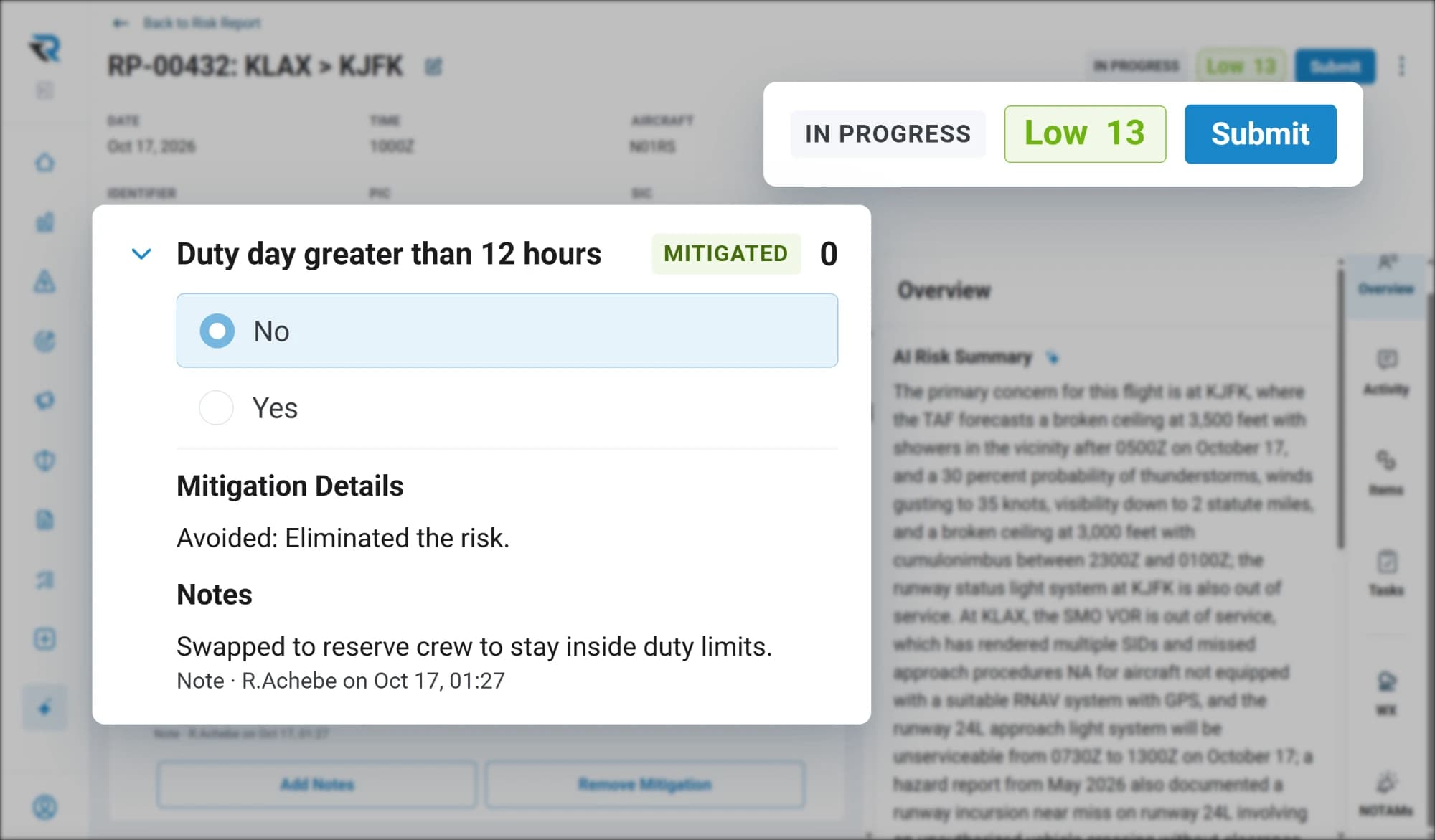
A preliminary score is not a risk decision, and this is the line we will not move. The assessment cannot be submitted until a person has been through it. The analysis does the fetching and the reading; the judgment stays with the crew, who are the only ones who know what today actually looks like.
Taking the pilot out of that would be simple to build and wrong to ship. What is worth automating is the twenty minutes of looking things up. What is not is the part where somebody who is about to fly decides whether they are safe.
Your thresholds
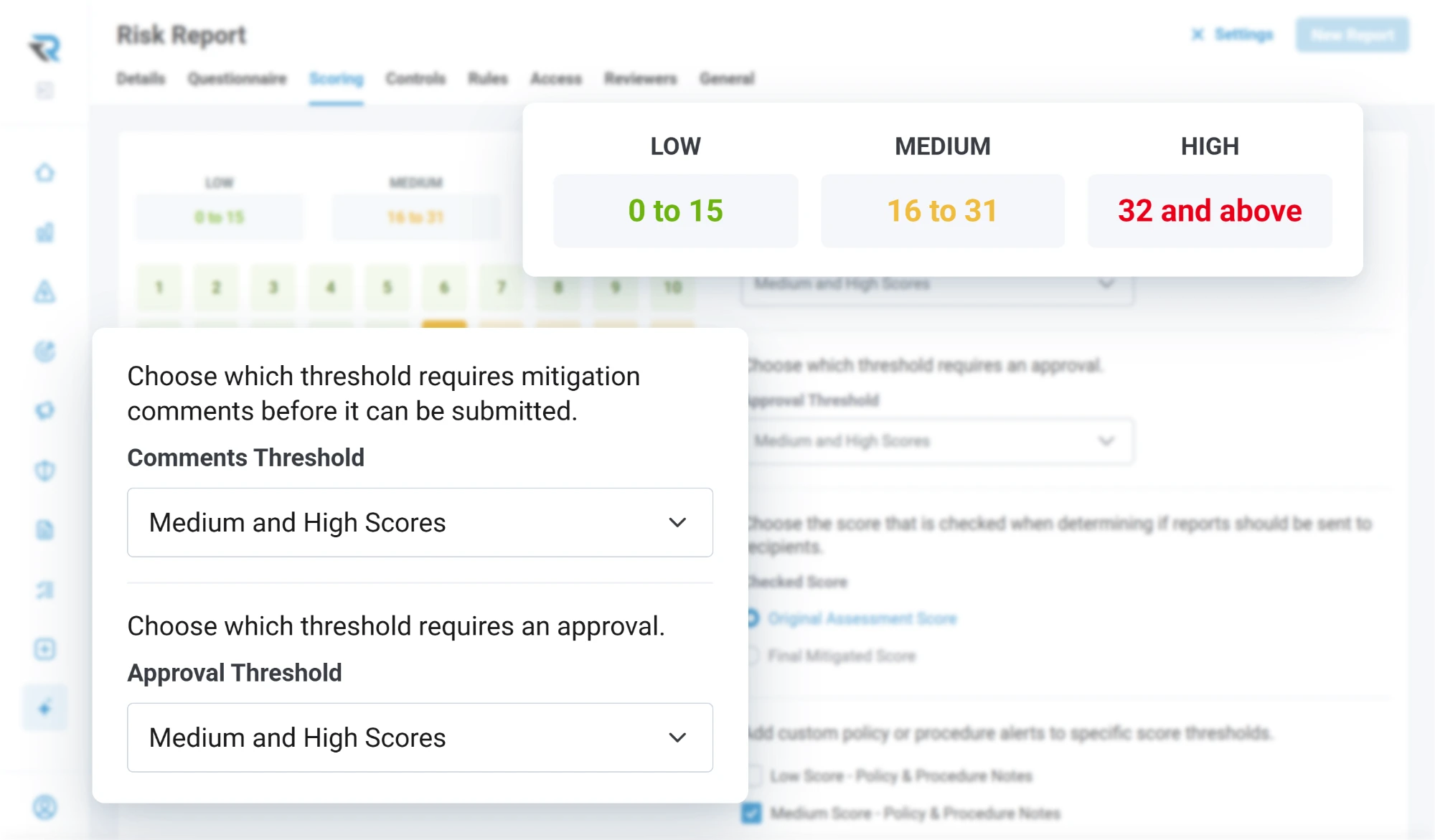
Three thresholds, your numbers, set per form. Above the threshold you choose, mitigation stops being optional and the crew records what they are doing about it. Risk that surpasses the next threshold requires the assessment to be approved, and that approval can be held until departure rather than at submission, which is when anybody actually knows whether the mitigation happened.
A guided walkthrough of how RISE handles reporting, evaluation, resolution and insight, with time to talk about how your own operation runs today.