Skip to content
RISE

Free ASAP reporting

Run your ASAP reporting for free with RISE

A free RISE account with the Aviation Safety Action Program report form in it, written so what a crew member puts down is what an event review committee will be asking about. Filed from a phone, without a name on it if they choose, and kept somewhere other than an inbox.

No cost, and no card.

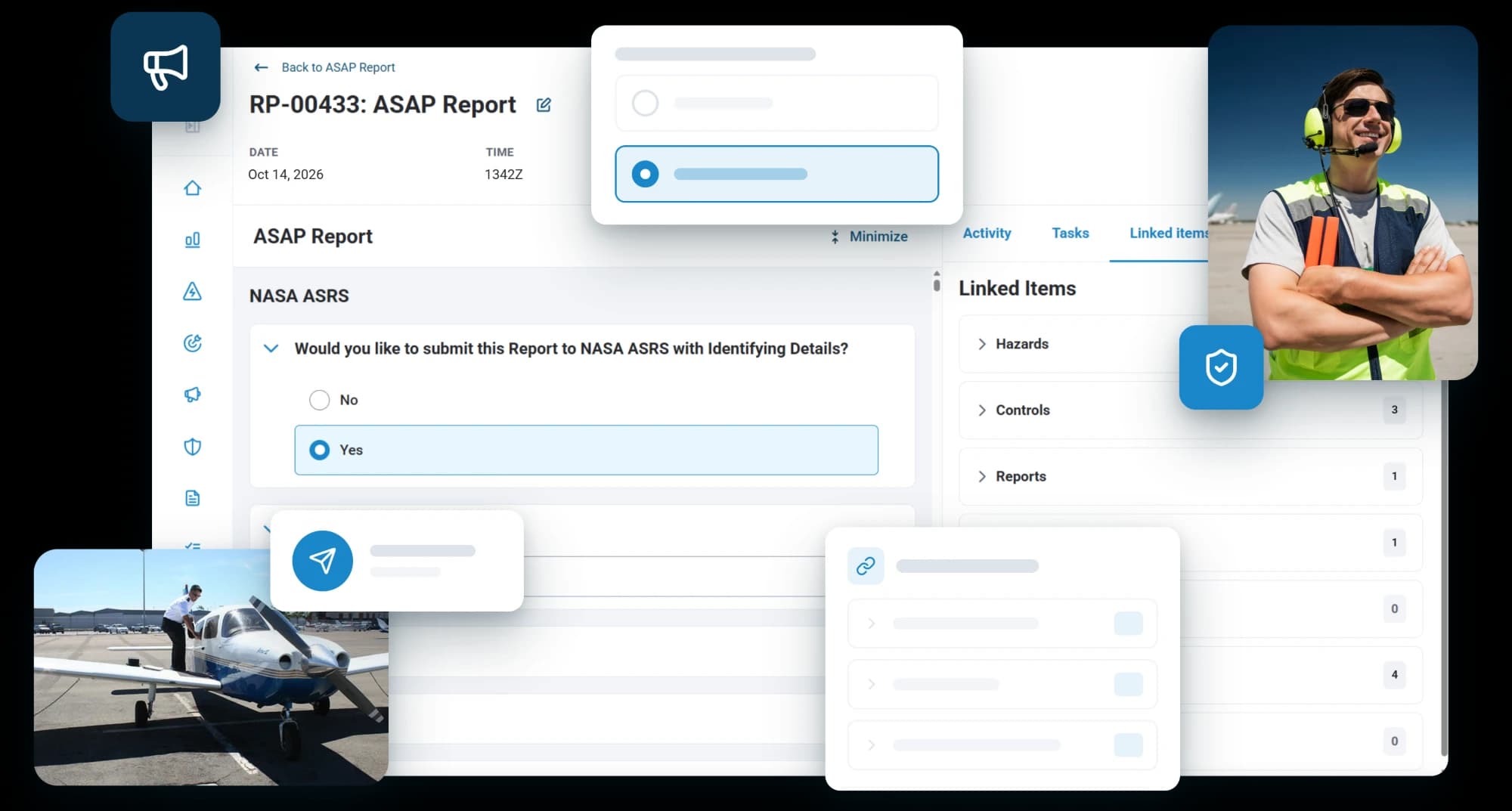
An ASAP report in RISE with the reporter choosing to send it to NASA ASRS with identifying details, linked to its hazards, controls and reports, beside a ramp worker in a headset and a pilot boarding a light aircraft

The reports that matter most are the ones people are least willing to put their name to

A program only works if filing is easy and confidence in it is absolute. The free account is built around those two things.

3 steps and you are up and running with ASAP reports

  1. 1Create the accountA minute, and no card. The ASAP form is in it and ready to take a report.
  2. 2Name the recipientsAn employee representative, an FAA contact, your local FSDO, anyone else you want a report to reach. They are the only people it goes to.
  3. 3Put the code upDownload the QR code and post it where crews will see it. Scanning it opens the form, sized for the screen it lands on, with nothing to log into.

Submitting

The whole account of it, in the reporter's own words

The form asks what an event review committee asks. Twenty-five sections walk through the event, the conditions around it, what caused it, how it was caught and what the person would change.

A report that gets to the bottom of something is worth more than a fast one, and a crew member can file it from a phone by scanning a code, with nothing to log into.

  • An ASAP form, ready to use
  • A NASA ASRS section on the form
  • Filed from a phone by scanning a code
Safety reporting
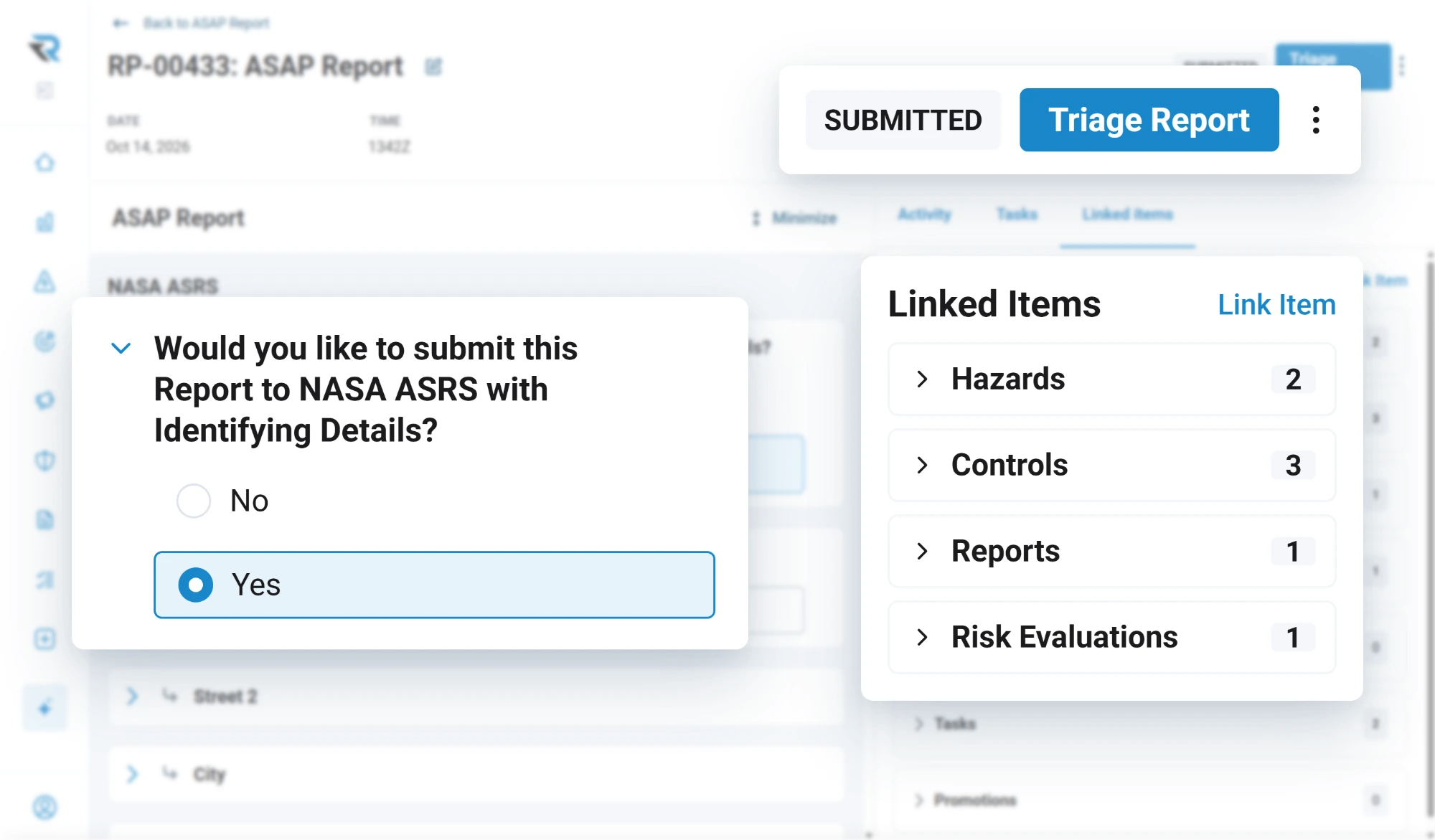
A submitted ASAP report in RISE ready to triage, with the reporter's choice to send it to NASA ASRS with identifying details, and its linked hazards, controls, reports and risk evaluation

Confidentiality

Submitted without a name, shared without one

The form can be opened for anonymous submission, and the person filing decides in the moment. Separately, a finished report exports de-identified, with names replaced, so what circulates around the operation is what happened rather than who it happened to.

A submitted report reaches the recipients you named and nobody else. The reporter gets a confirmation, and the report is tracked from there rather than living in a mail thread.

  • Anonymous submission, decided by the reporter
  • Only your named recipients receive it
  • De-identified PDF export
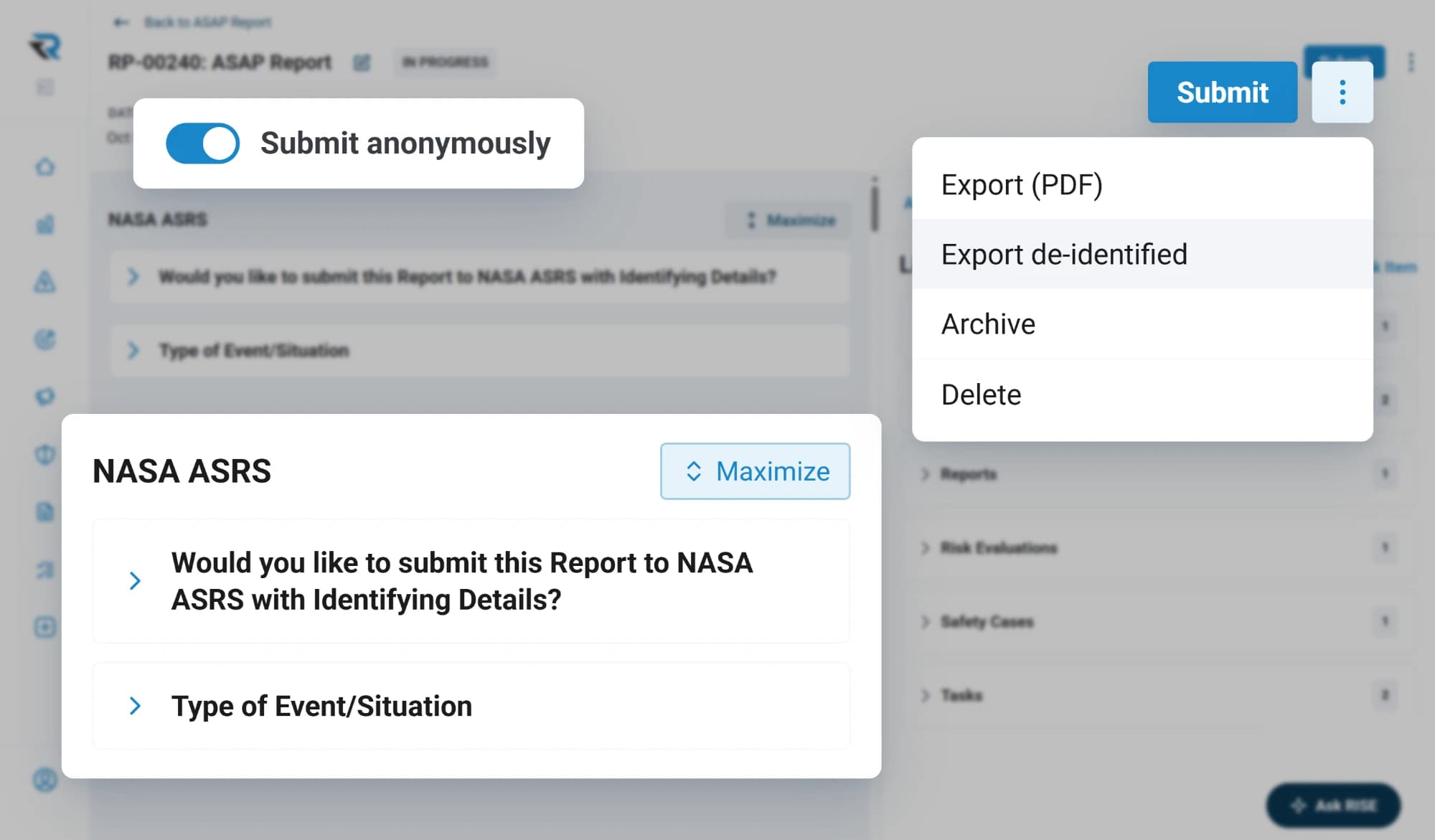
An ASAP report being filed with the Submit anonymously toggle on, its NASA ASRS section asking whether to submit with identifying details, and a menu offering a de-identified export

What you get

Everything you need to start collecting

The ASAP report form, with as many reports through it as your crews file. Your whole team on the account, the QR code, the recipient list, and comments on a report for tracking what was done about it. You can edit the form, though most operations leave it alone: it is worded that way so a report answers what gets asked of it, and changing the questions changes what comes back. The rest of the platform is there when you want it.

  • Unlimited reports, and your whole team
  • QR code and recipient routing
  • Comments for tracking what was done
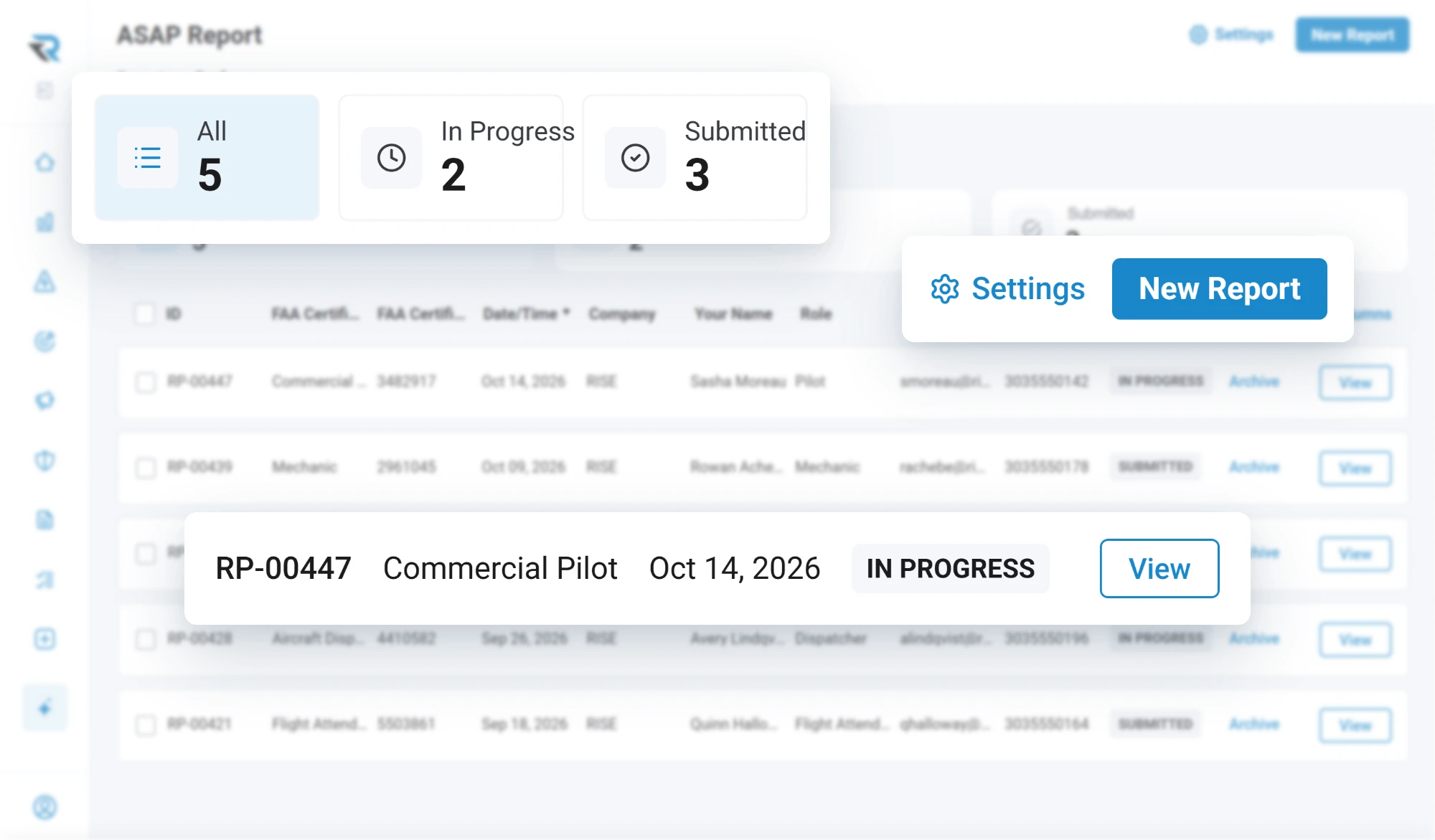
The ASAP report list in RISE as an admin sees it: five reports, two in progress and three submitted, with the form's Settings and a New Report button

After the report

Getting it to the authorities is a program, not a feature

RISE is where the report is written and kept. What happens next is a different thing entirely: the review, the committee, the relationship with the FAA. Running that properly is a serious undertaking and it is not software.

That side stays with your operation. If you would rather hand it off, we partner with the Air Charter Safety Foundation, whose ASAP program handles what happens after a report comes in. It is surfaced in the app on ASAP reports, so it is a click away from the report itself.

  • RISE collects and keeps the reports
  • You run the program side, or join ACSF's
  • Surfaced in the app on ASAP reports
ACSF program
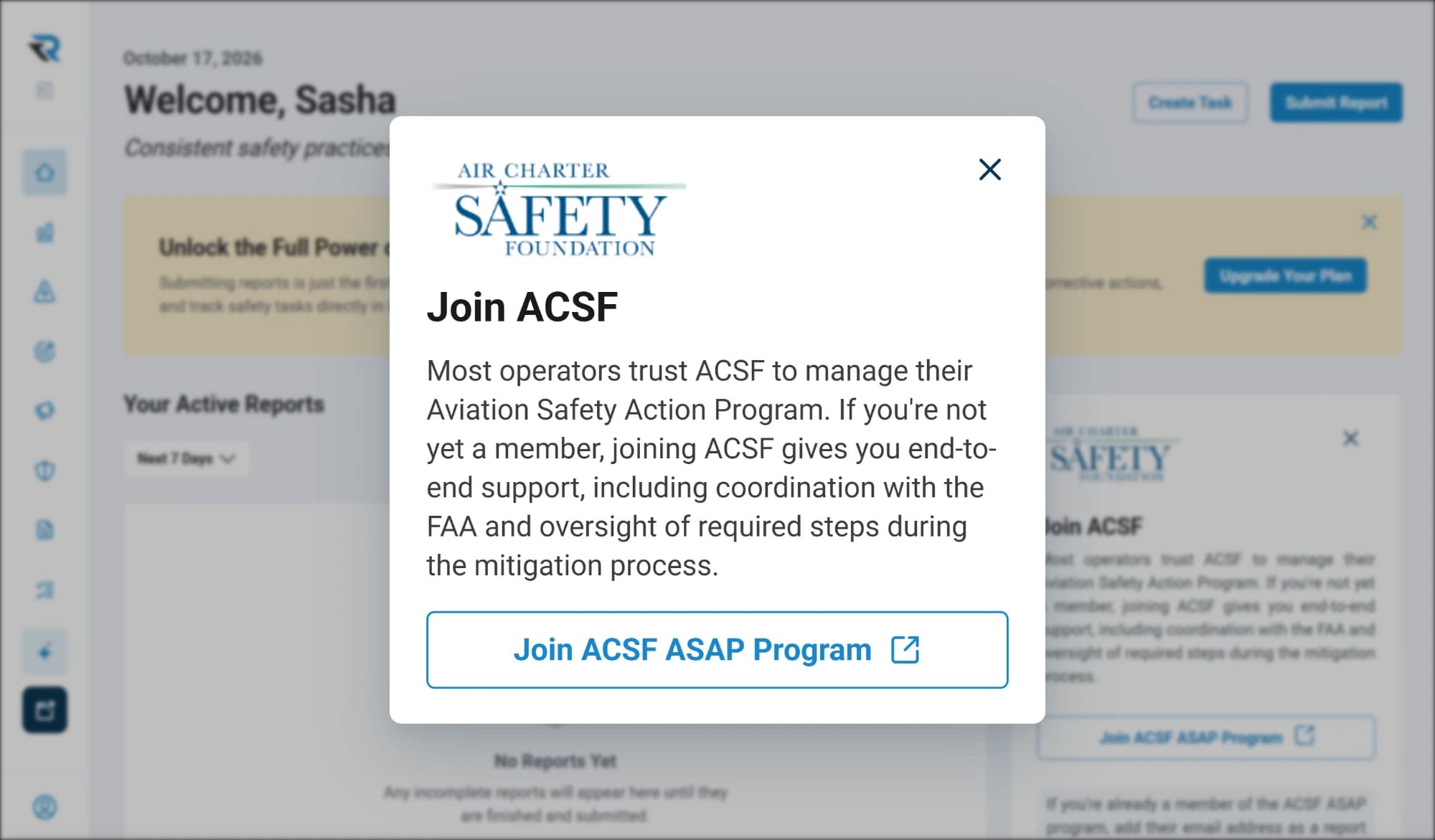
The Join ACSF prompt in RISE, with the Air Charter Safety Foundation mark, describing its support with FAA coordination and oversight of the mitigation process, and a link to its ASAP program

When you need more

The rest of the program is already under it

That one form sits on top of a system that does the whole of safety management: risk evaluations, corrective actions, audits, inspections, safety objectives and an AI agent that answers questions from your own records. Switching any of it on is a change to the same account, so the reports you have already collected are simply there, with nothing to move and nothing to re-enter.

  • The same records, the same account
  • Nothing to move or re-enter
The platform
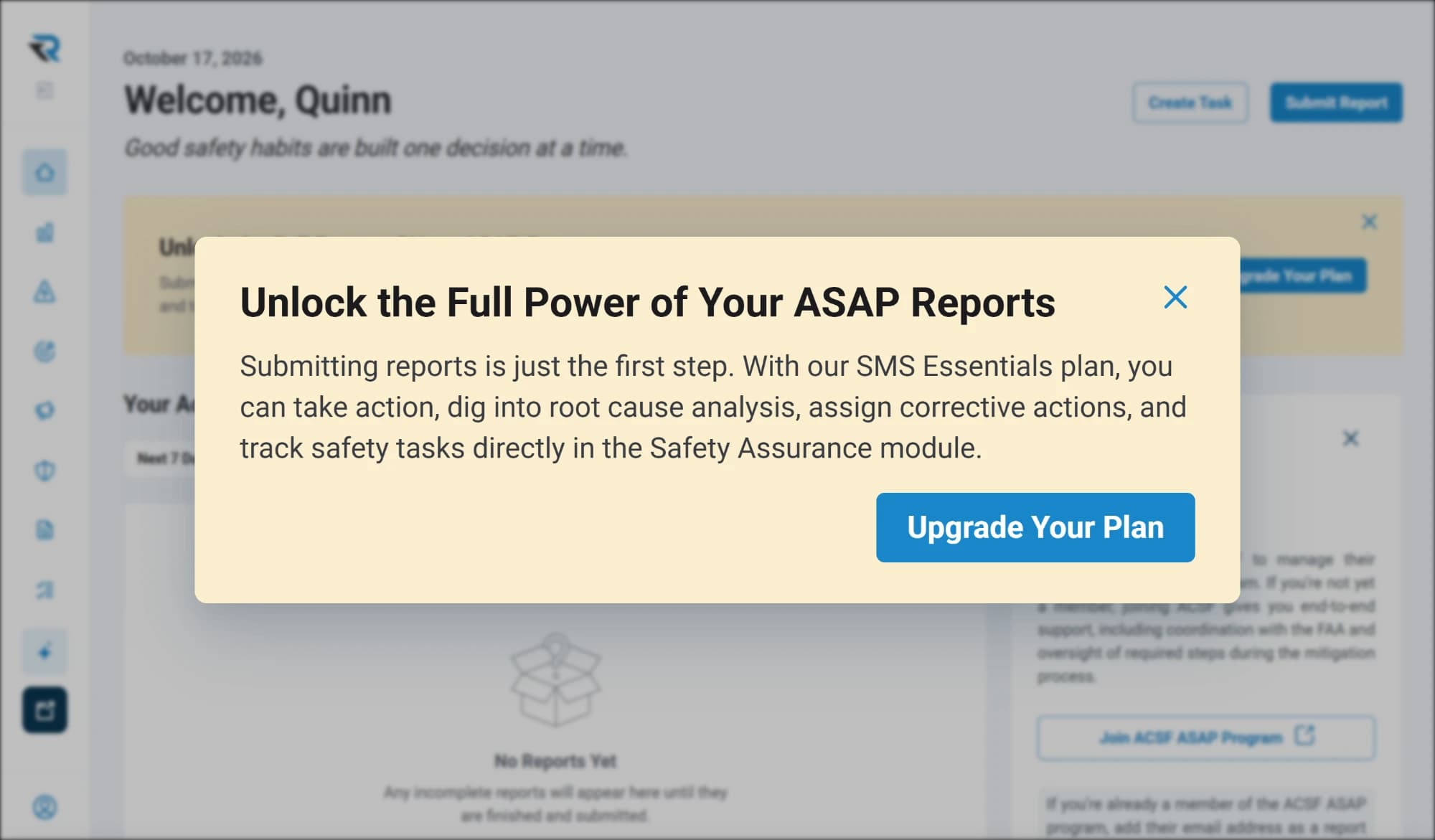
The in-app prompt to unlock the full power of ASAP reports, explaining that SMS Essentials adds root cause analysis, corrective actions and safety task tracking in the Safety Assurance module, with an Upgrade Your Plan button
Member, Air Charter Safety Foundation

ACSF members

Ten percent off for members

ACSF members receive 10% off any RISE subscription, billed annually. Request a demo or quote and identify yourself as an ACSF member. Proof of current ACSF membership is required at the time of enrollment.

It only applies to a new subscription, so claim it at the point you sign up.

About the program

The FAA’s program, in its own words

The Aviation Safety Action Program is a voluntary FAA program. The FAA describes its goal as enhancing safety by encouraging employees of certain certificate holders to report safety issues voluntarily, and says that “enforcement-related incentives have been designed into the program” so that people will report an issue even when it may involve an alleged violation.

A report goes to an event review committee made up of the FAA, the operator and the employee group. Whether a program is right for your operation, and what any of it means for you, is a conversation to have with people who run them. RISE is somewhere to write and keep the reports.

Questions

Questions about free ASAP reporting

Is the free ASAP plan really free?
Yes. The ASAP reporting plan costs nothing, takes no card to open, and does not expire. Your crews file as many reports through it as they need to, and the reports stay yours. Moving up to the full RISE platform later is a change to the same account.
Can crews submit an ASAP report anonymously?
Yes. Anonymous submission can be switched on for the form, and the person filing chooses in the moment whether to put their name to it. A finished report also exports de-identified, with names replaced, so what circulates around the operation is the event rather than the person.
Who receives an ASAP report submitted through RISE?
The recipients you name, and nobody else. Operations typically add an employee representative, an FAA contact and their local FSDO. You set the list and can change it, and RISE sends each submitted report to it automatically with a readable summary and the detail attached.
How do crews get to the reporting form?
Three ways, none needing a login. Scan the QR code you download and post where the work happens: it carries a private token and opens the form in a browser, sized for whatever they are holding. Save that link to a phone home screen for one-tap access. Anyone signed in to RISE can open it from their account.
Who runs the ASAP program side?
You do. The review, the event review committee and the FAA relationship are program work rather than software, and they sit with your operation. RISE is where a report is written, routed to your recipients and kept. If you would rather not run that side, joining the Air Charter Safety Foundation's ASAP program hands it over.

Getting started

Start collecting ASAP reports this week

Open the free account, name the people a report should reach, and put the code up where your crews will actually see it. No cost and no card.

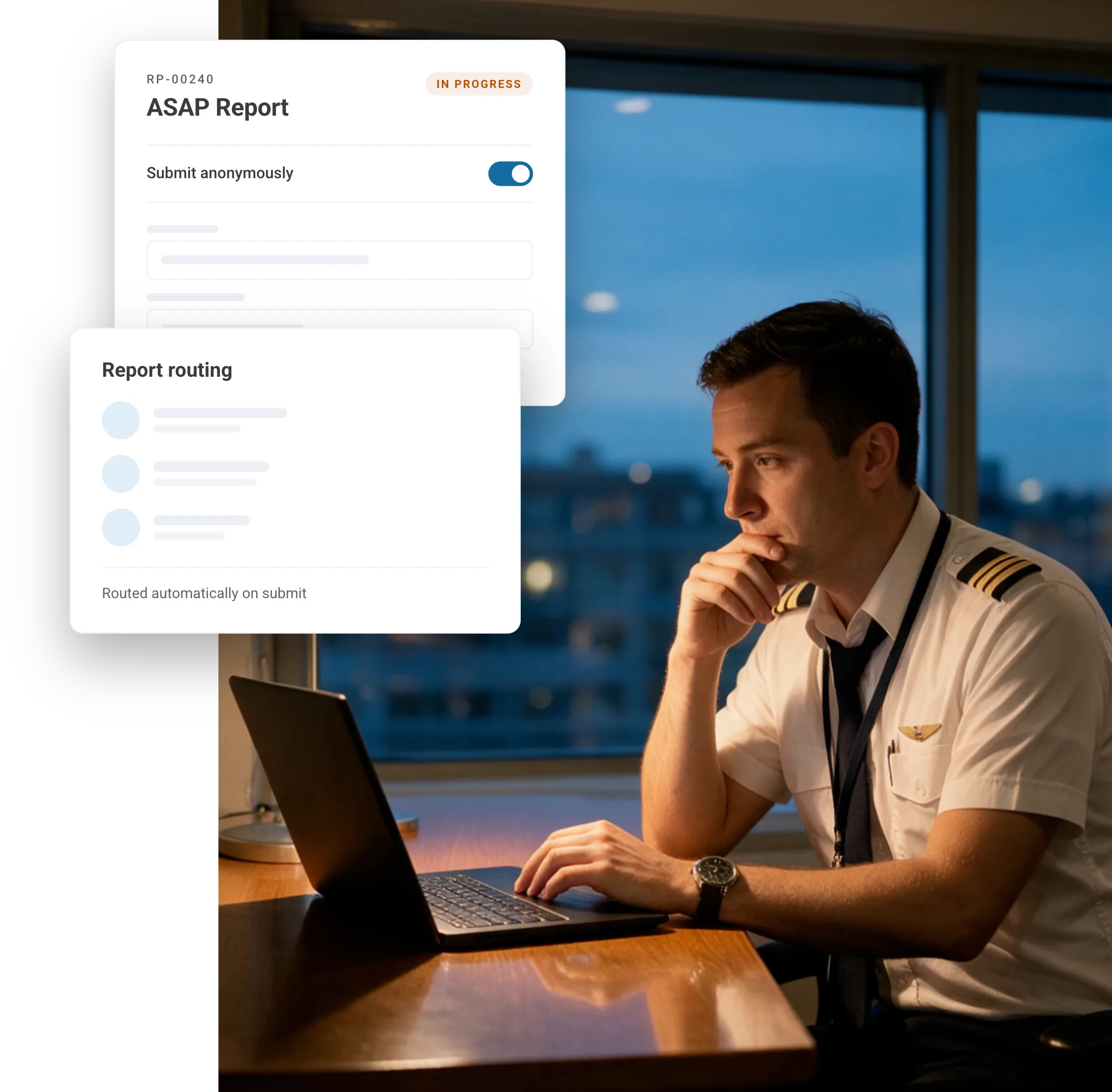
A first officer filing an ASAP report on a laptop at the end of a duty day, with the report's anonymous submission toggle and its routing shown beside